A card’s page in Simply Tarot Journal
This is a members' feature. Join Simply Tarot to use it.
Every card in Simply Tarot Journal has its own page, and it's where everything you've ever written or noticed about that card comes together. Open one from Tarot Cards in the Journal, or find it with the Journal's search.
Along the bottom are the card's own buttons, after Back and Menu: Card, Notes, Symbols, Meanings and Readings. On the cards I've written about there's one more at the end, Gord's notes. Back goes back one step at a time, so you never lose your place.
Card
It opens on the card, big, with its name, a star to put it in your favourites, and the deck button, which comes up further down.
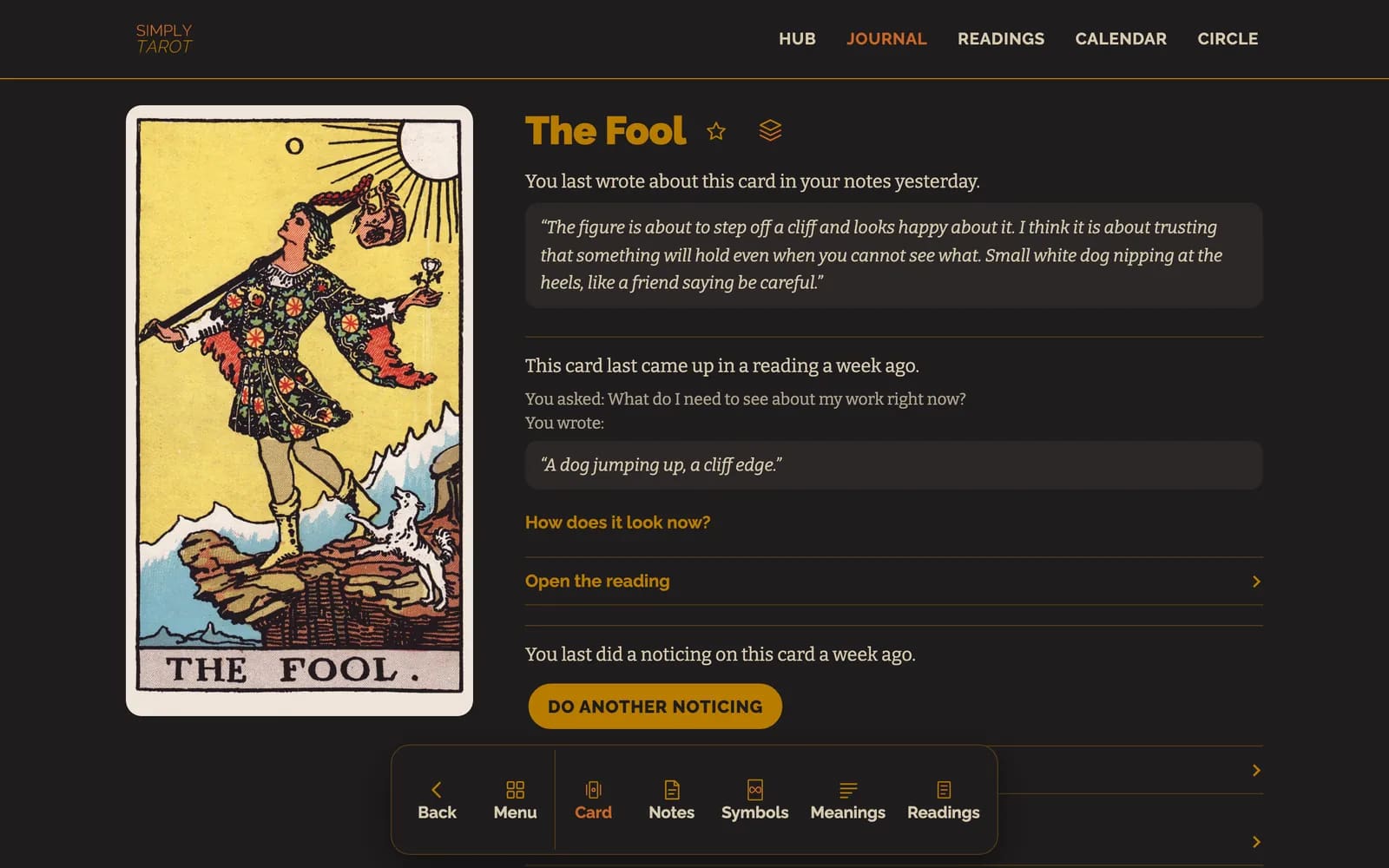
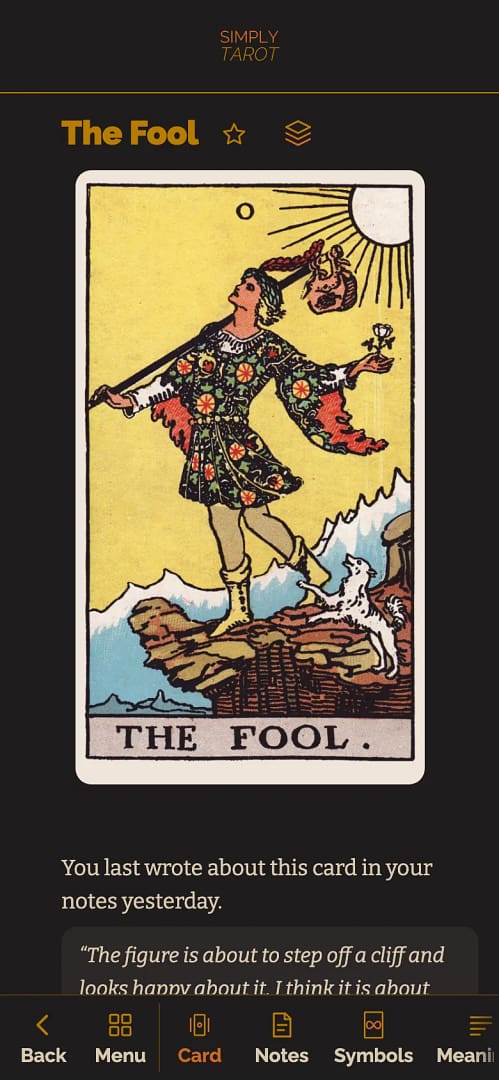
Under the card is what you last wrote in your notes on it, and the last time it came up in a reading, with your question and what you wrote. It also says when you last did a noticing on it, with Do another noticing, but not what you noticed: that's under Symbols, in Noticings. Open the reading takes you to that reading, and How does it look now? lets you add a later thought under what you wrote back then.
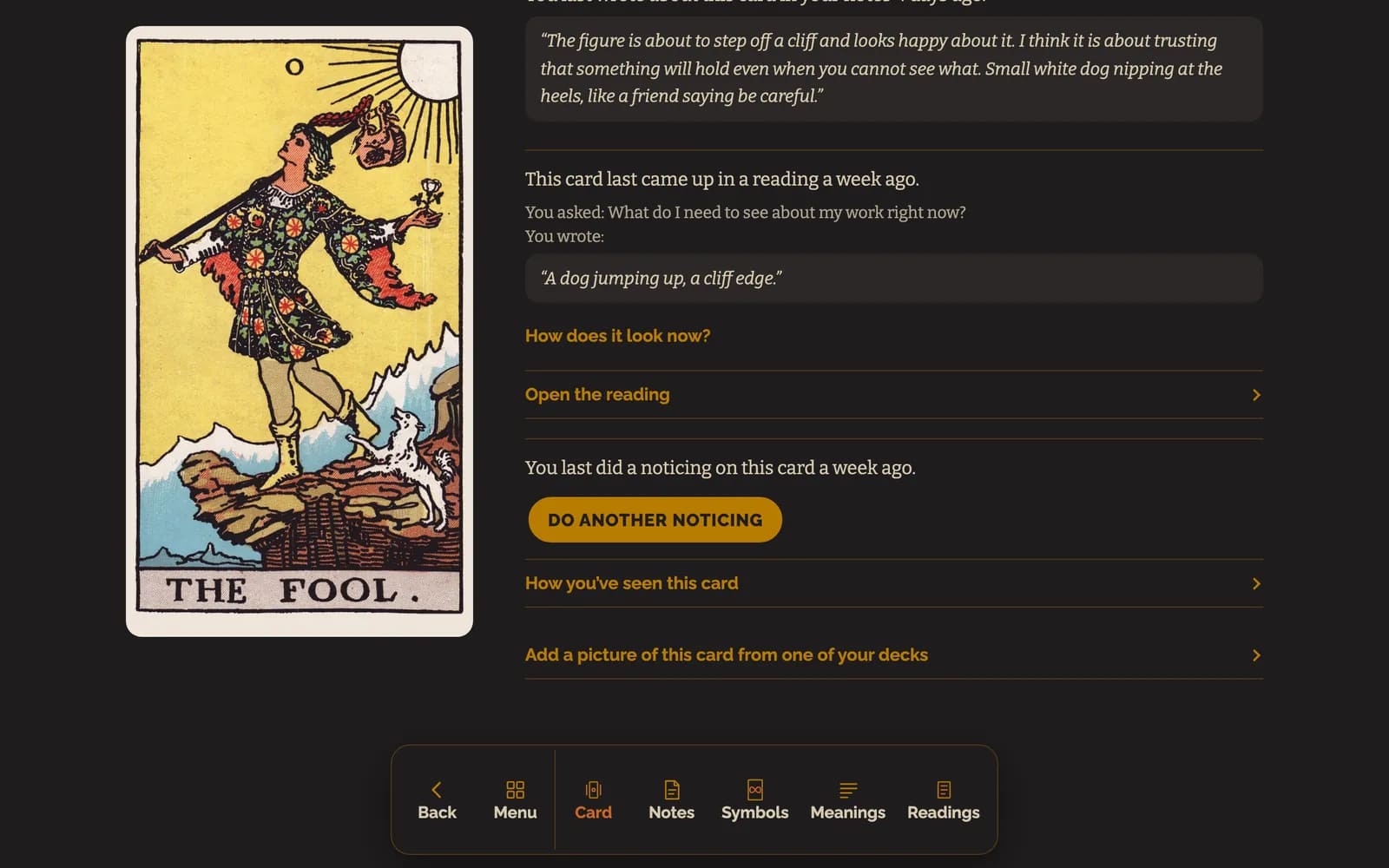
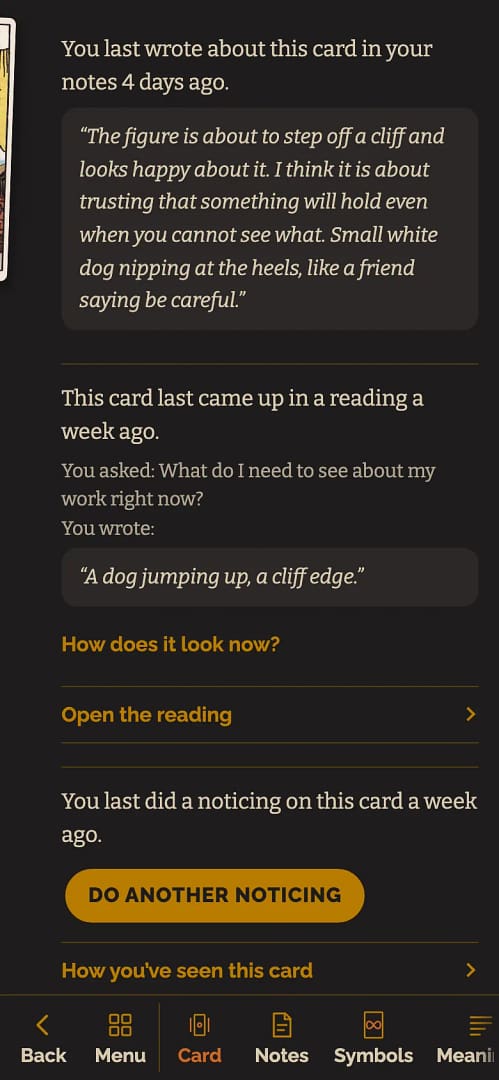
How you've seen this card is everything you've written about it over time, every version of your notes, your noticings and your readings, dated, with the newest first. And if you've never written anything about a card, its page opens with one button instead: Do a noticing on this card.
Notes
This is where you write what the card means to you. Press Edit and write, and it saves as you type, so there's no button to press. If you read reversals there's Upright and Reversed. If you don't, it's one box, and the line underneath, I'd like to write separate notes for how I read the card upright and reversed, gives you the two boxes on every card.
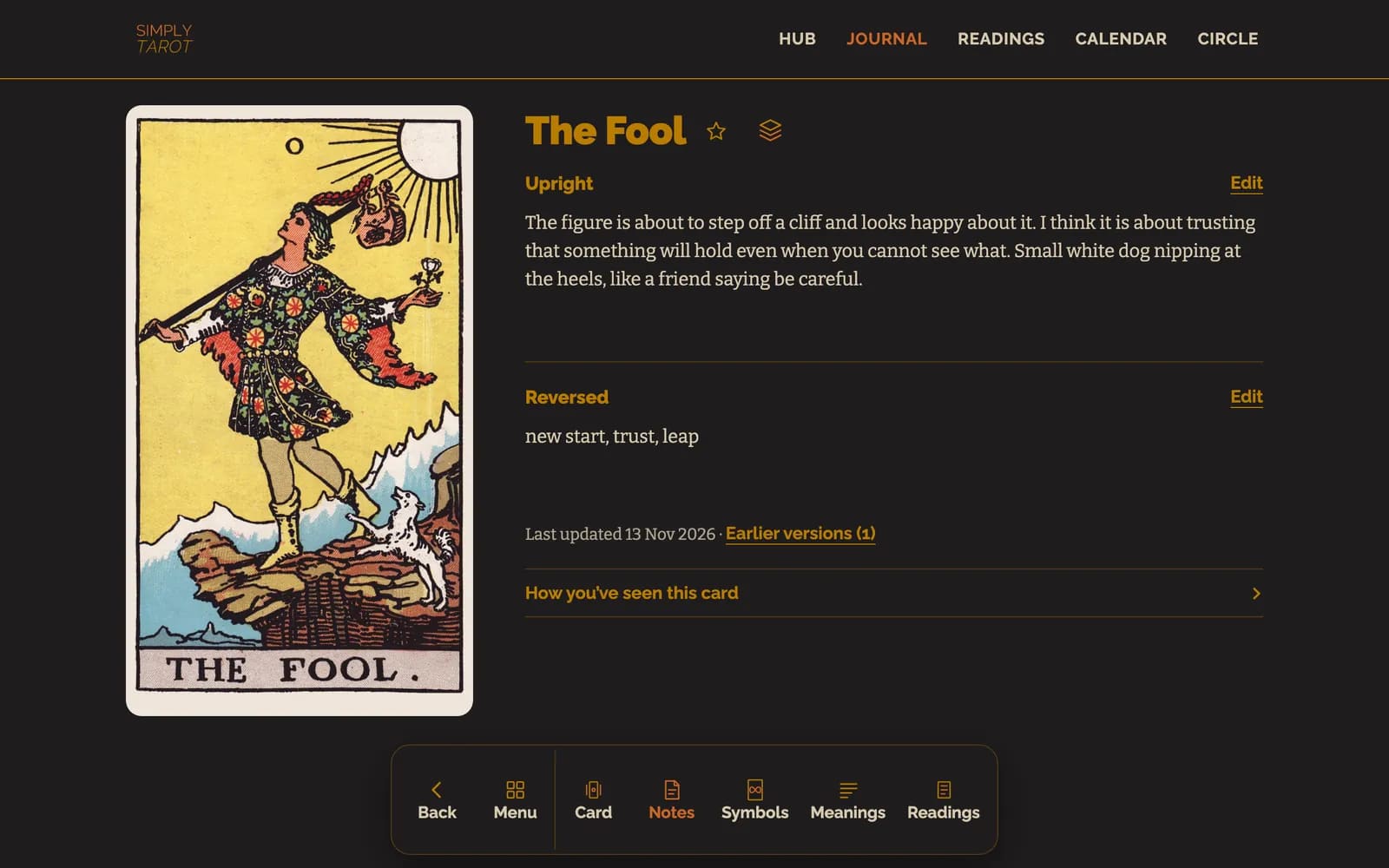
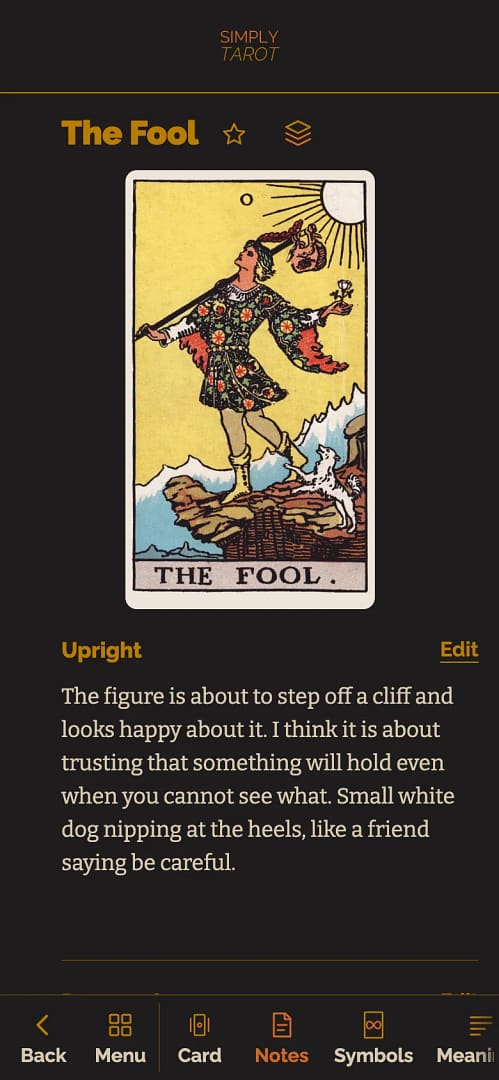
Every version you've written is kept, so you can see how the way you read a card has changed in How you've seen this card.
Symbols
Symbols is everything in the picture, and it has its own buttons along the bottom: Card to go back to the card, then Picture, In this card, Noticings, Symbol notes and Other cards.
Picture is the whole card with my letters on it, and a list of the symbols underneath.
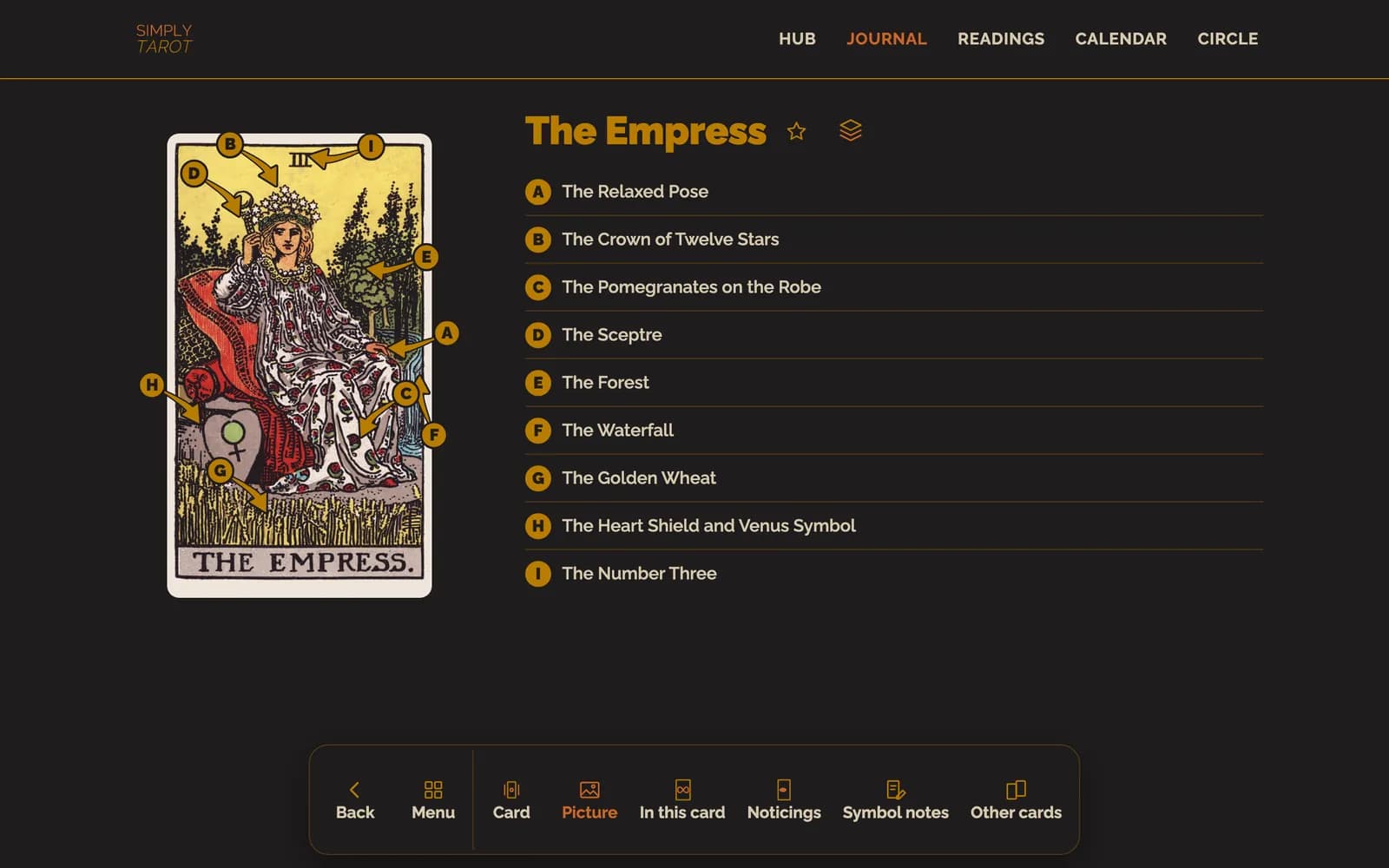
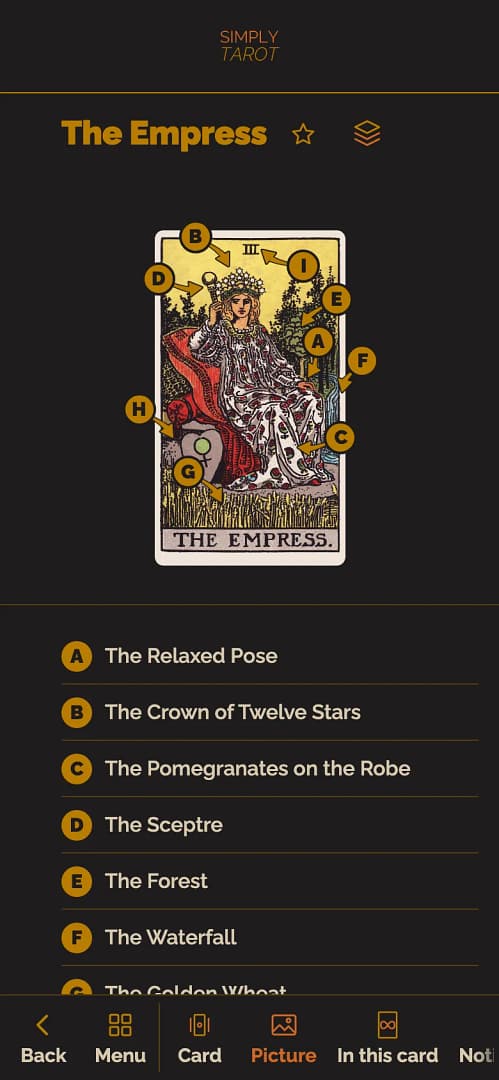
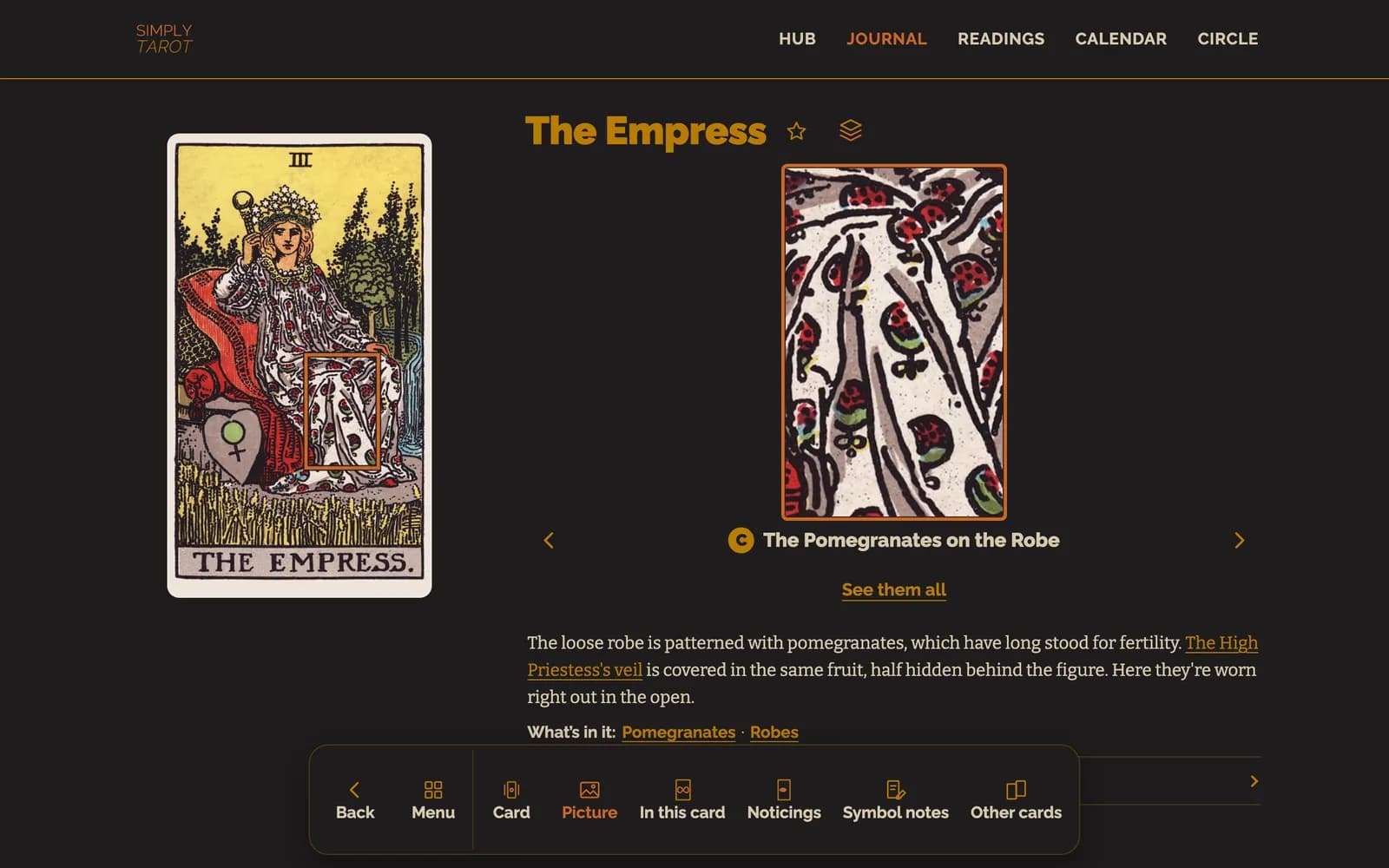
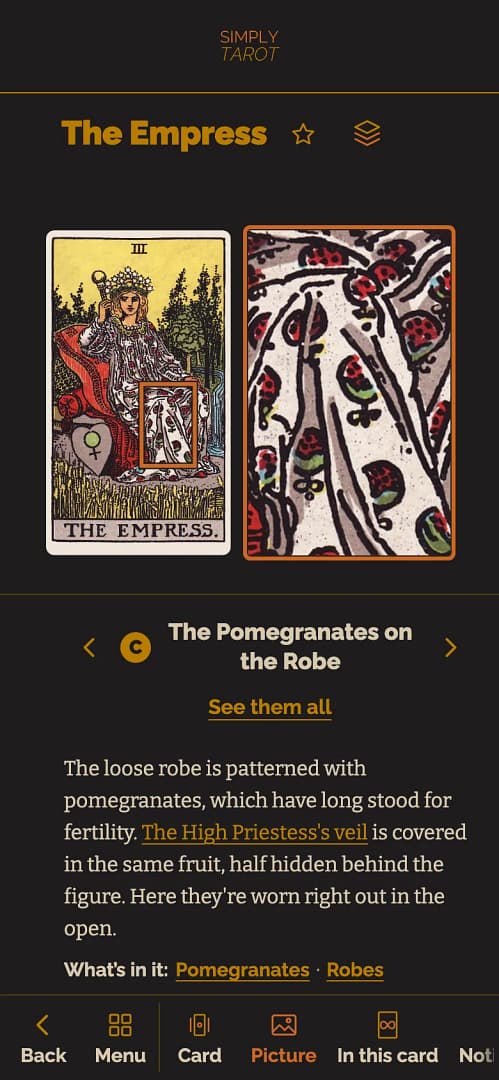
Tap a letter or a name and the card zooms in on that part, with what I've written about it underneath. Swipe, or use the arrows either side of its name, to go to the next one, and tap the card to see it whole again. What's in it is the symbols in that part of the card, and tapping one shows you the other cards it's on. Write about this is for anything you spot in it, and it goes in your symbol notes with the date.
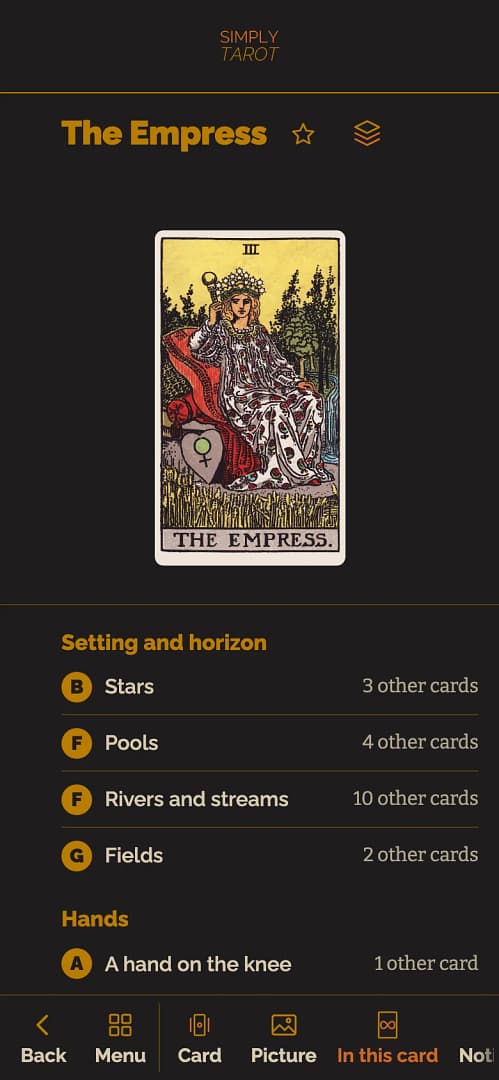
In this card is every symbol on the card once, grouped the way the Symbol Library groups them, with how many other cards have it. Tap one to see those cards.

Noticings is every noticing you've done on this card, with what you spotted marked on the card, and Do a noticing on this card starts a new one. When you do another noticing and come back, it puts your two side by side, so you can see what you picked up on each time.
Symbol notes is your own notes on the symbols, including anything you wrote with Write about this, and Add your own adds another.
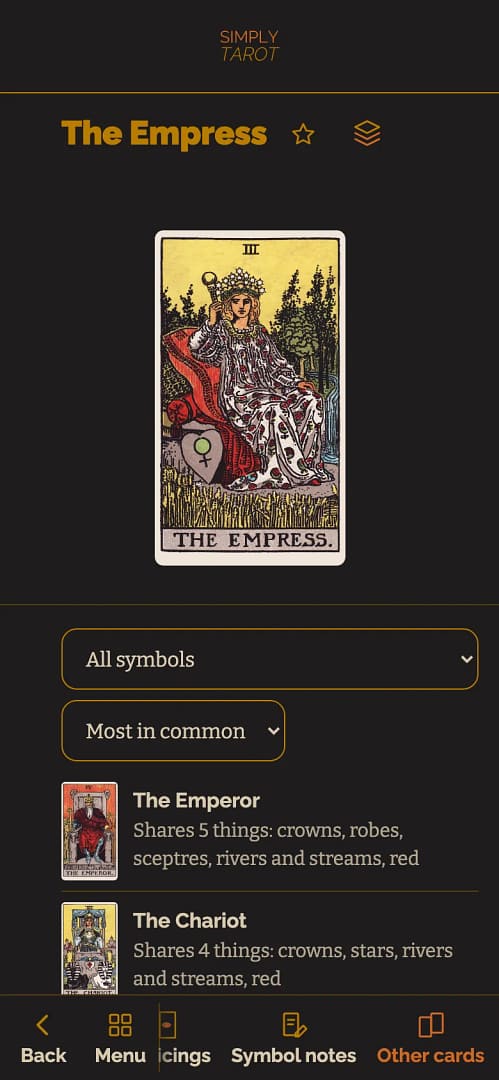
Other cards is every card that has something in common with this one, the most in common first, with what they share. Tap one to see the two cards side by side, thing by thing, and What's the same, and what's different? is there for anything you want to say about it.

Meanings
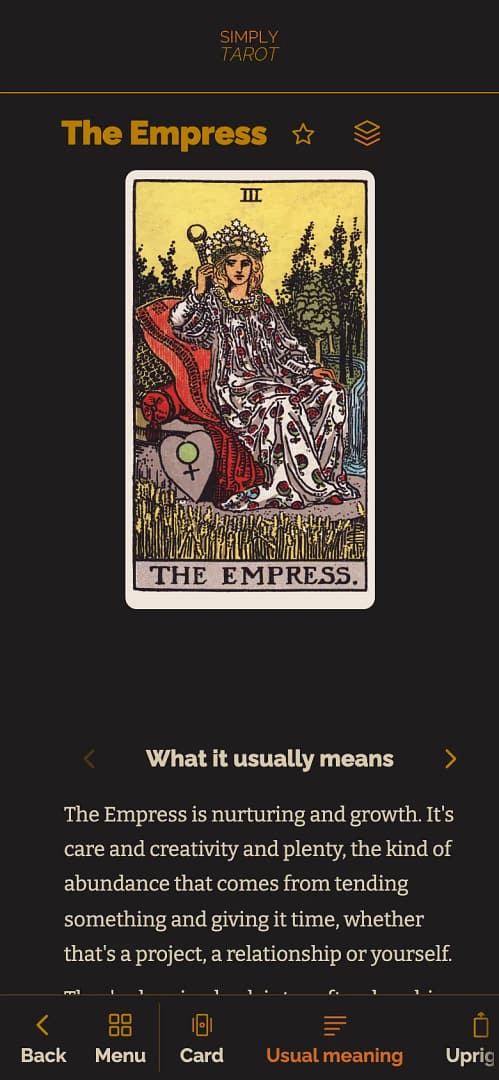
Meanings is what the card usually means. It has its own buttons along the bottom too, so you can go straight to any part: Usual meaning, Upright, Reversed, Love, Career, Self-care, Life changes and Pictorial Key. You can swipe through them as well. Each one shows where the meaning comes from in the picture, and tapping a letter shows you that part of the card. Pictorial Key is what The Pictorial Key to the Tarot, from 1911, says about the card.
What it means to you goes in Notes.

Readings
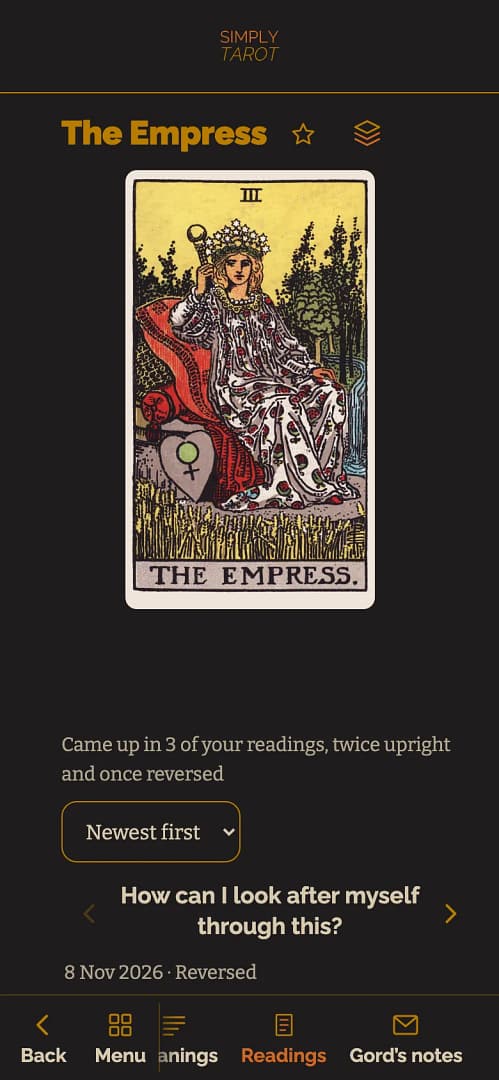
Readings is every reading the card has come up in, your recurring readings included, newest first: your question, the date, the spread, whether it was upright or reversed, what you wrote about it and the other cards in that reading. The choices at the top change the order, or show only the readings for yourself or for someone else, or with one spread. Cards it comes up with at the bottom is the cards it keeps turning up with in your readings. And How does it look now? adds a later thought under what you wrote back then, with the date.

Gord's notes
On the cards I've written about, the last button along the bottom is Gord's notes: my own reflections on the card, and how it tends to show up in readings. That's the deeper stuff that isn't on the free card pages, and this is where it lives.
Seeing it in your own deck
If you've got more than one deck, the deck button beside the card's name lists them. Pick one to see this card in that deck, with your own photo of it and your notes on its symbols for that deck. If you haven't got a photo of this card in a deck yet, it says so, and Add a picture of this card from one of your decks at the bottom of the card's page is where you add one. My letters are drawn on the Rider-Waite-Smith pictures, so they're only on those.
The notes and readings in these pictures belong to a made-up person I use for examples. They aren't a real member's.
Still looking for an answer? Get in touch and I'll sort it.
