
Downloading your writing
This is a members' feature. Join Simply Tarot to use it.
Everything you've put into Simply Tarot Journal is yours to take, whenever you want it: your readings and their photos, your card notes and your noticings. It's your work, so you should be able to walk off with a copy.
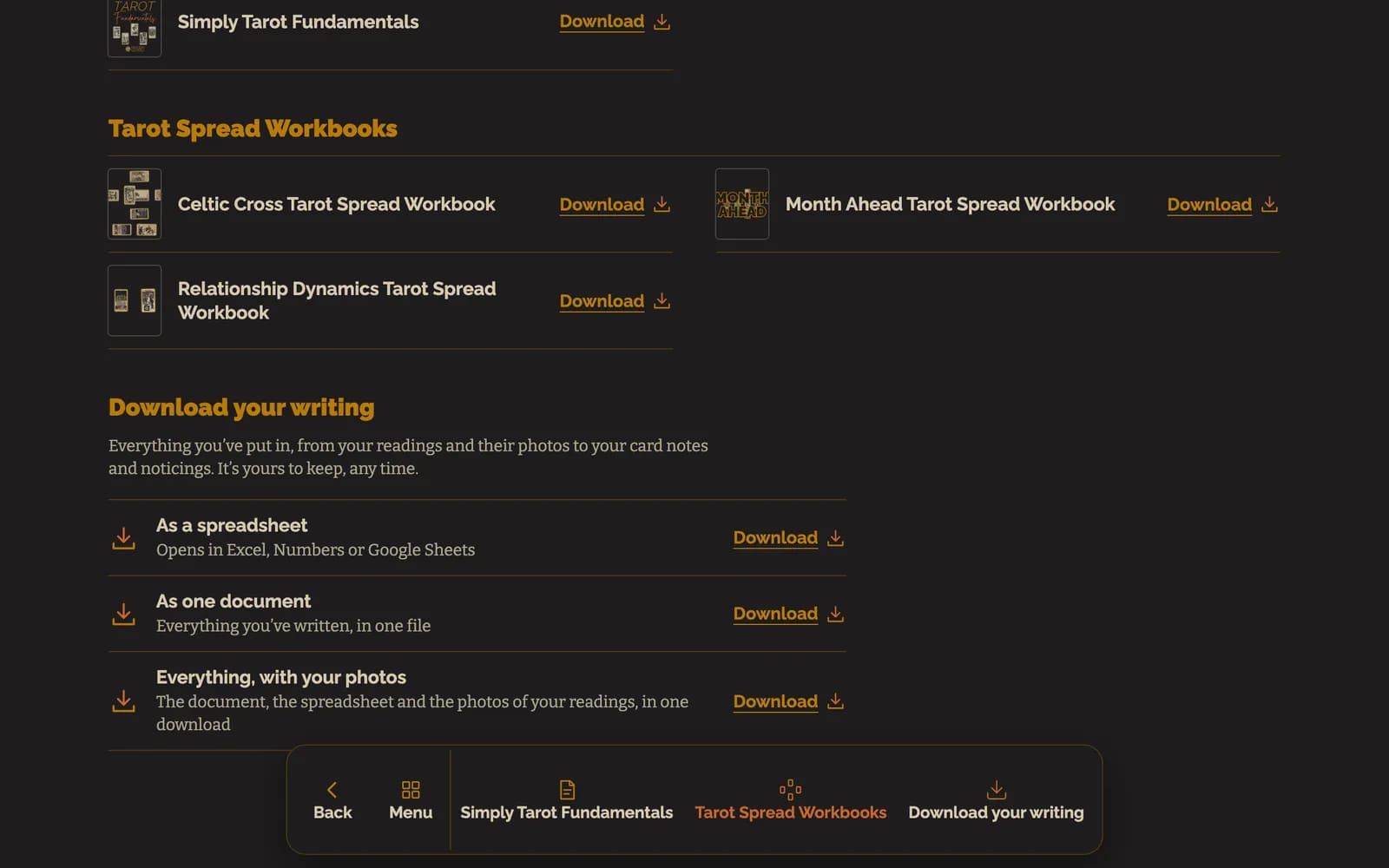
- In the Simply Tarot hub, press Downloads on the menu along the bottom. It's at the bottom of Settings too.
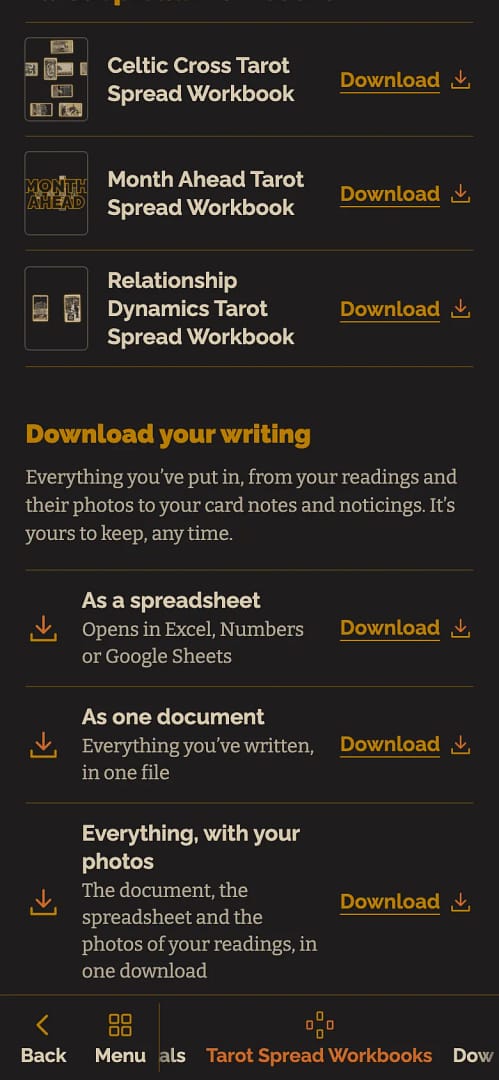
- Scroll down to Download your writing and pick how you want it: As a spreadsheet, which opens in Excel, Numbers or Google Sheets, As one document, with everything you've written in one file, or Everything, with your photos, which is the document, the spreadsheet and the photos of your readings in one download.
- Press Download beside the one you want. It downloads to your phone or computer.
It's worth doing every now and then just to have your own backup, and especially if you're ever thinking of leaving. Everything stays safe on your account either way, but there's no harm in holding your own copy too.
Still looking for an answer? Get in touch and I'll sort it.
