Tarot with Gord
HelpGet in touchBack to the site

← All help

Having a go on the Noticing Tool

The Noticing Tool is free and anyone can use it. You look at a card and say what you see first, and the meanings come after. You don't need to know anything about the card before you start.

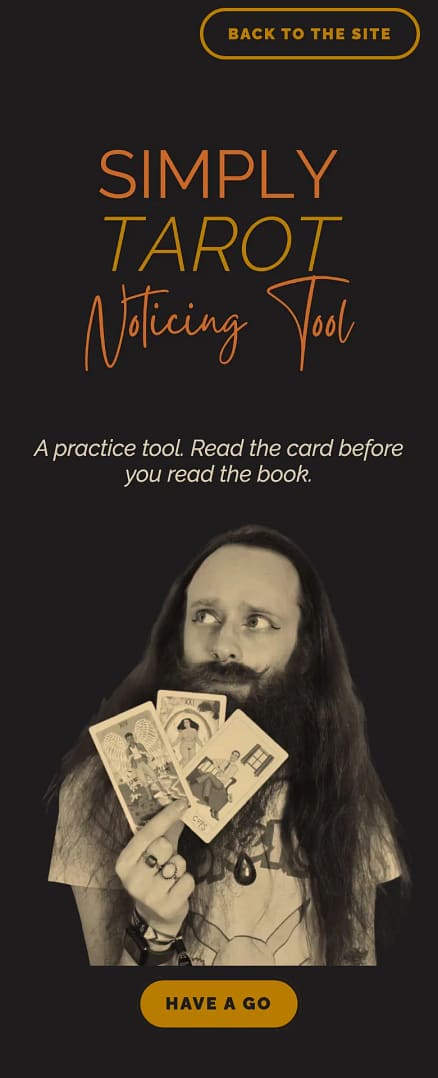
  1. Go to the Noticing Tool page and press Have a go.

The top of the Noticing Tool page with its Have a go button, on a computer
The top of the Noticing Tool page with its Have a go button, on a phone
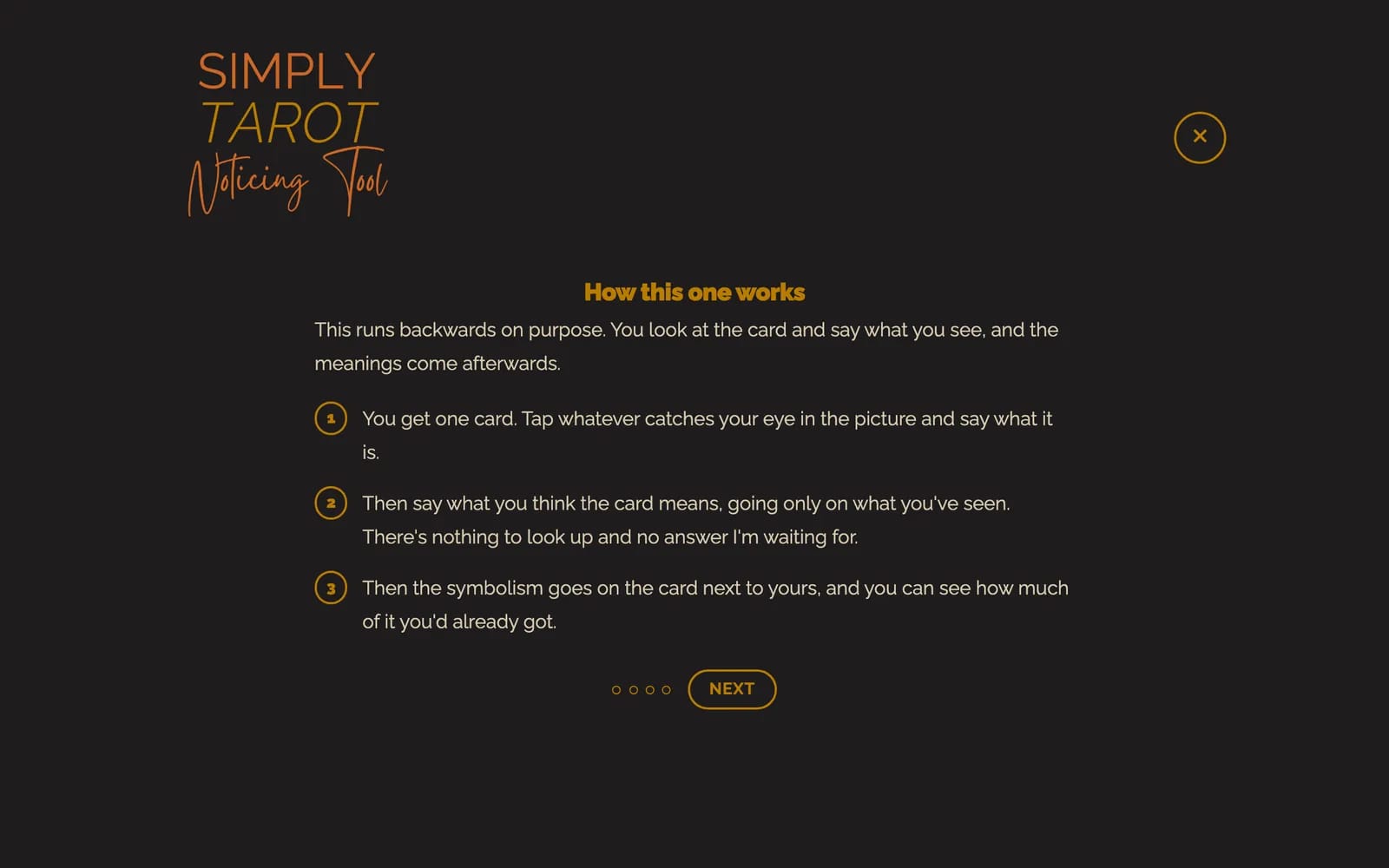
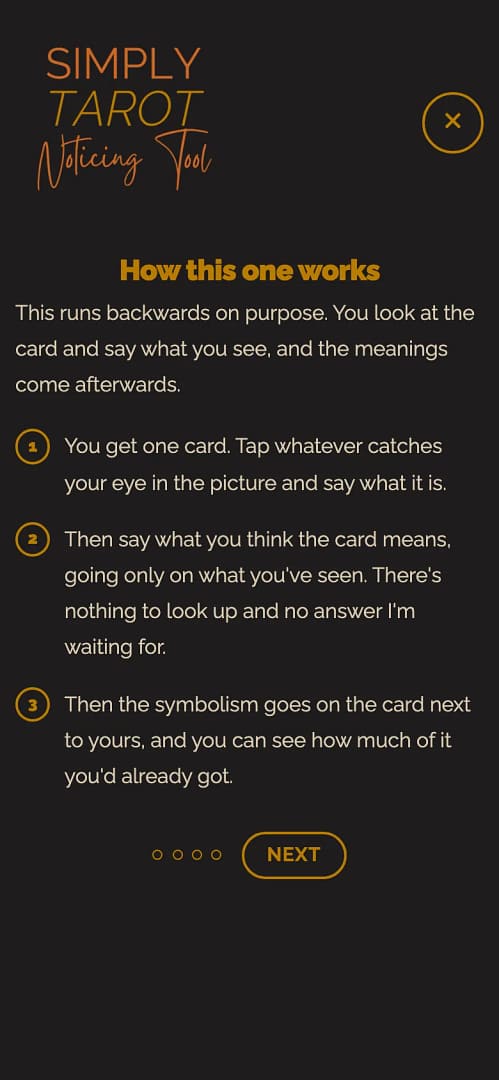
  1. It says how it works. Press Next.
How this one works, the first screen, with its Next button, on a computer
How this one works, the first screen, with its Next button, on a phone
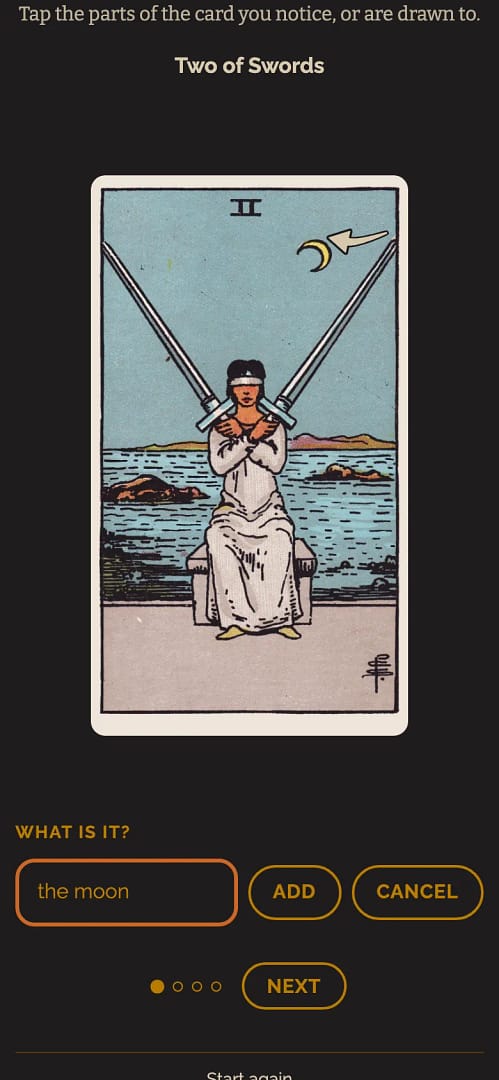
  1. You get one card. Tap anything in the picture that catches your eye. A box comes up asking What is it?: type what it is, and press Add. Press Cancel if you tapped by mistake.

A spot tapped on the Two of Swords, with the What is it? box, Add and Cancel, on a computer
A spot tapped on the Two of Swords, with the What is it? box, Add and Cancel, on a phone
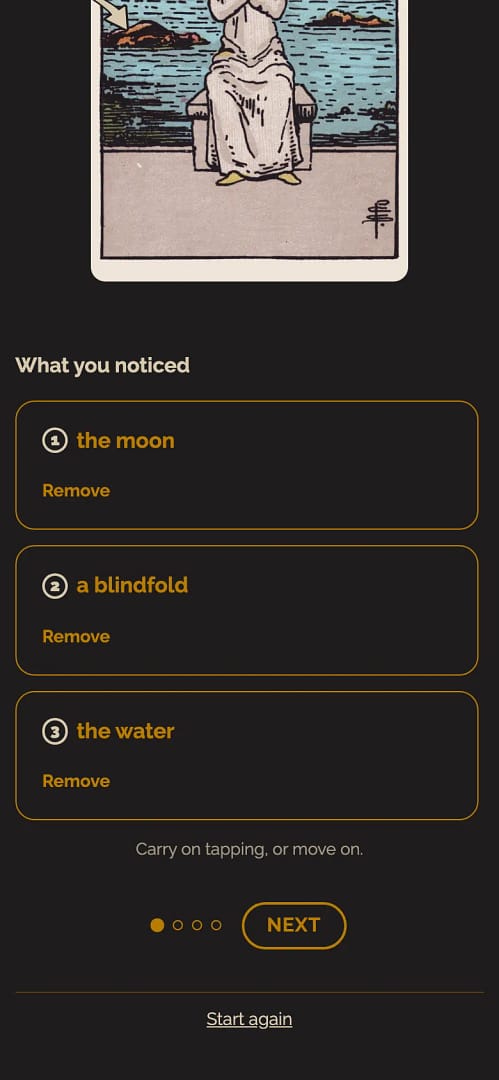
  1. Each thing you add gets a number on the card and goes in the list under What you noticed. Keep tapping for as many as you like, and press Remove under any you want to take off. When you've got all you want, press Next.
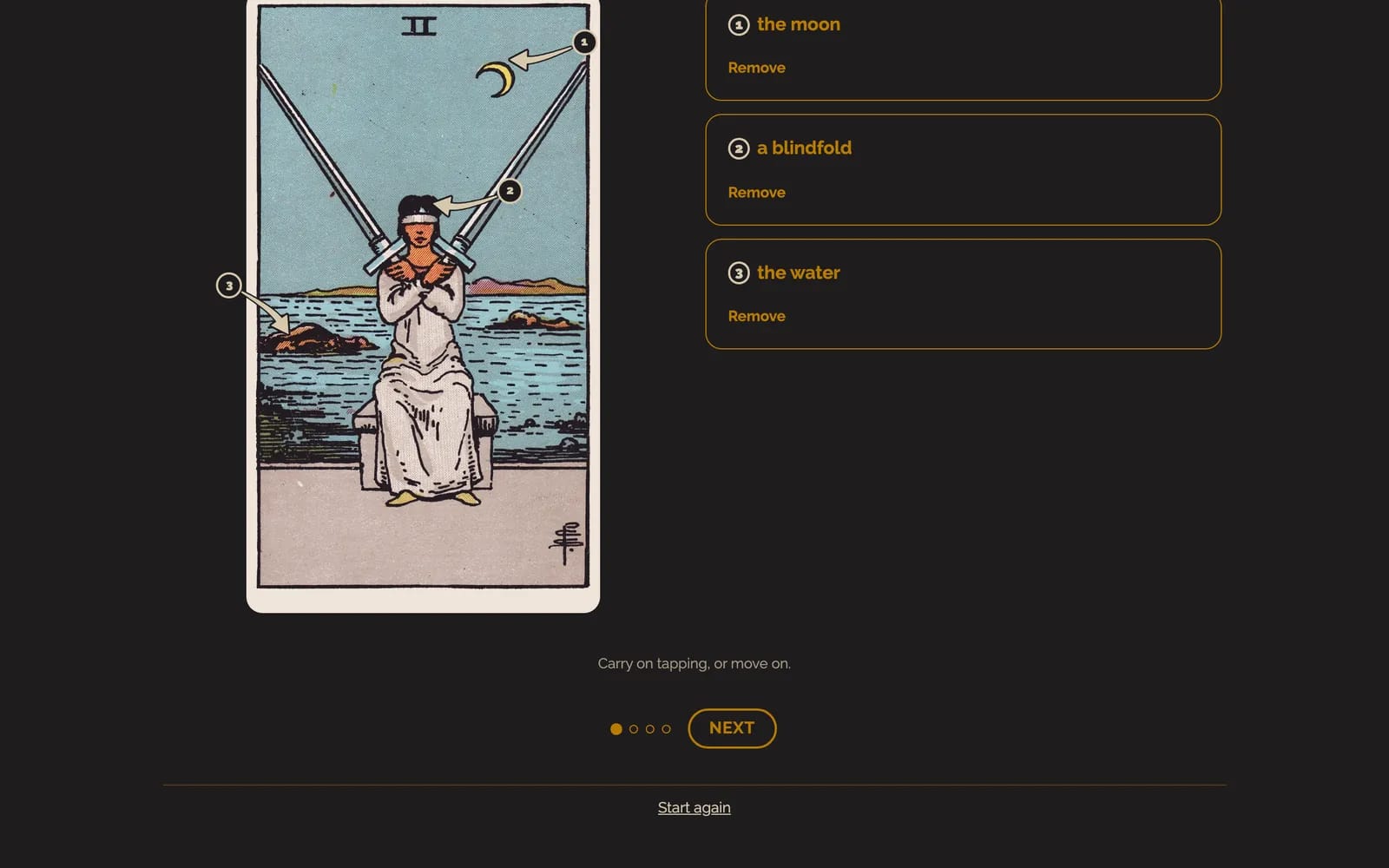
Three things tapped on the card, numbered on the card and listed under What you noticed, on a computer
Three things tapped on the card, numbered on the card and listed under What you noticed, on a phone
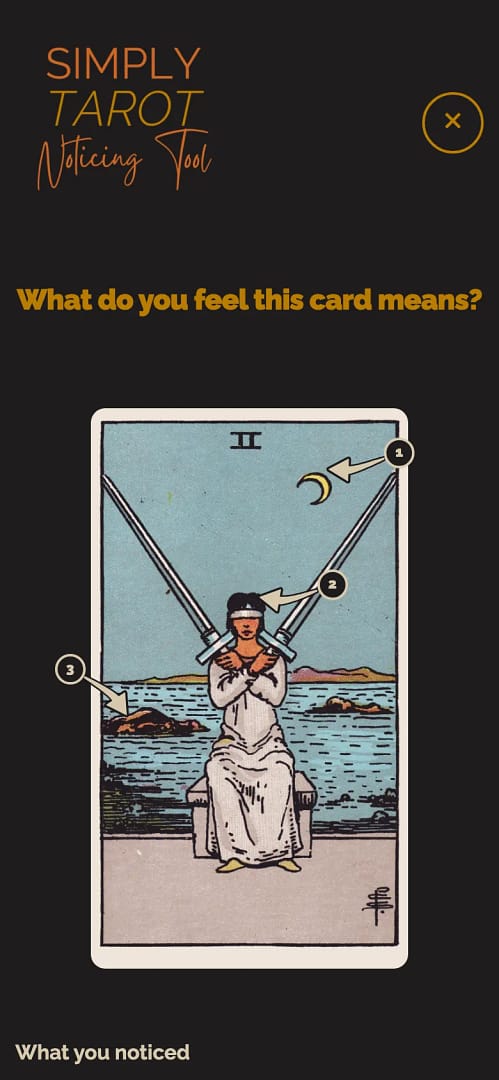
  1. Under What do you feel this card means?, write what you think the card means, going only on what you've seen, and press Next.
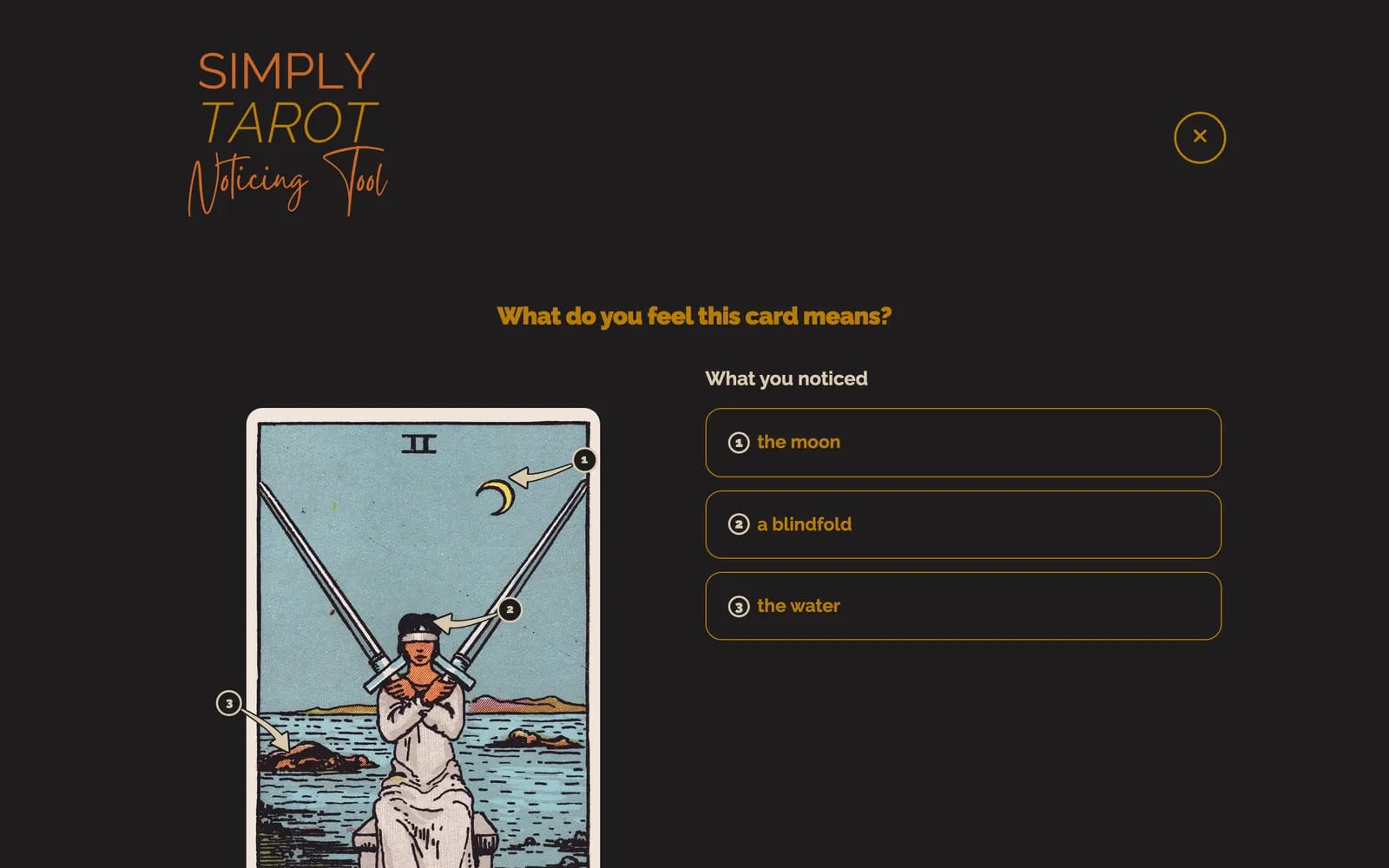
What do you feel this card means?, with the box to write in, on a computer
What do you feel this card means?, with the box to write in, on a phone
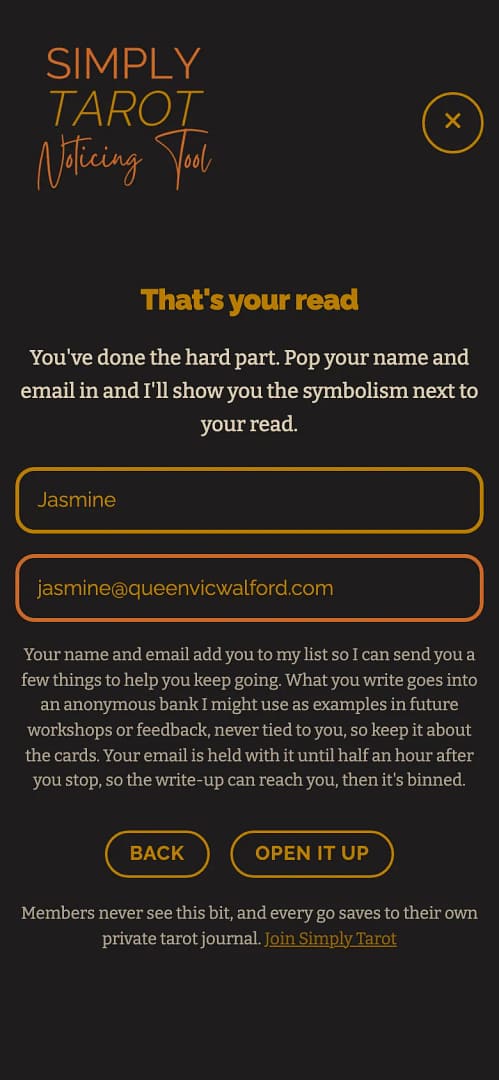
  1. Put in your first name and email and press Open it up. That's where your notes get sent, and it adds you to my emails, which you can leave whenever you want.
That's your read: the first name and email boxes and Open it up, on a computer
That's your read: the first name and email boxes and Open it up, on a phone
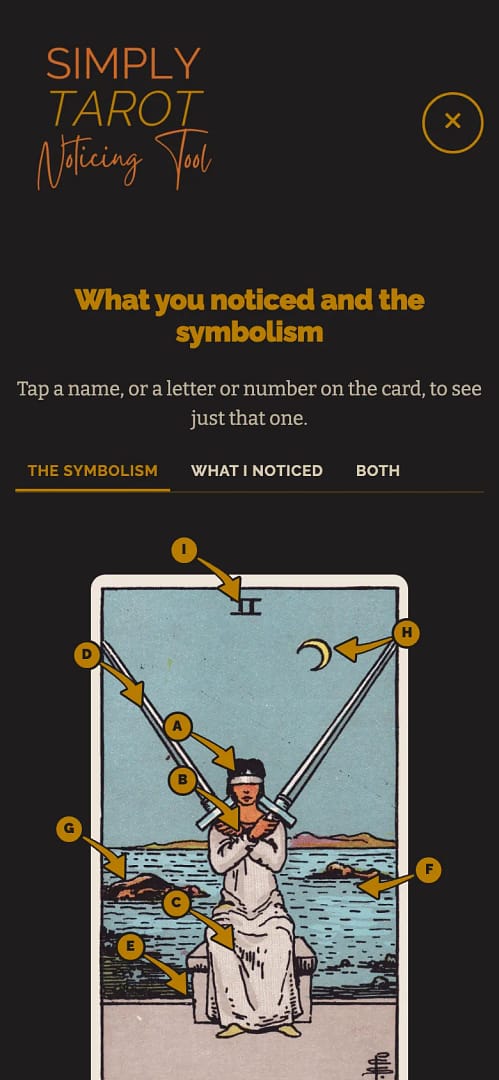
  1. You'll see the card's symbolism, lettered on the card and listed beside it. Tap a name, or a letter on the card, to see just that one. What I noticed at the top shows your own numbers, and Both shows yours and the letters together. Press Next when you're done.
What you noticed and the symbolism: the card's symbols lettered on the card and listed beside it, with The symbolism, What I noticed and Both tabs, on a computer
What you noticed and the symbolism: the card's symbols lettered on the card and listed beside it, with The symbolism, What I noticed and Both tabs, on a phone
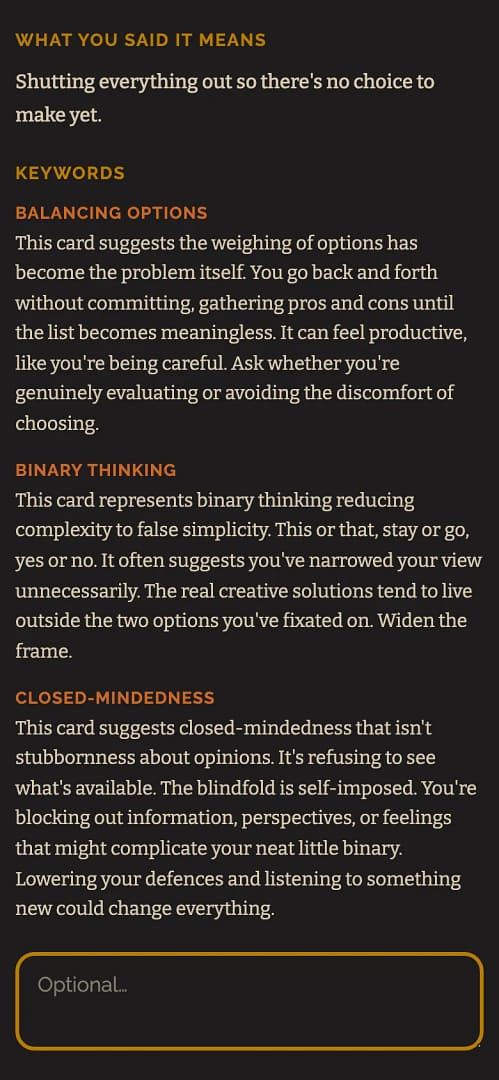
  1. Next comes what you said the card means, beside the card's keywords. Read the two side by side, then press Save and finish.
What this card usually means: what you said the card means, next to the card's keywords, on a computer
What this card usually means: what you said the card means, next to the card's keywords, on a phone
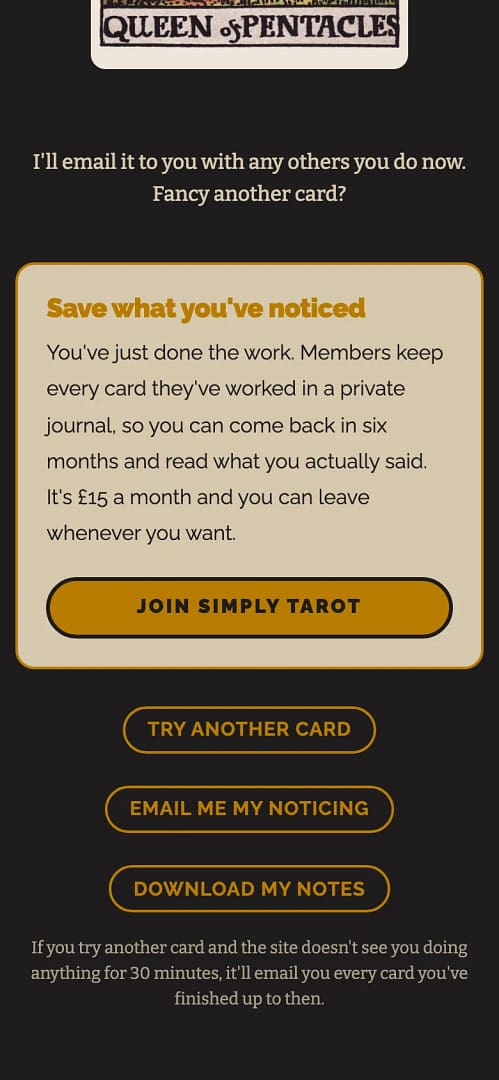
  1. On the last screen, Try another card deals you a new one. Email me my noticing sends you every card you've done. Download my notes saves them to your phone or computer.
That card's saved, with Try another card, Email me my noticing and Download my notes, on a computer
That card's saved, with Try another card, Email me my noticing and Download my notes, on a phone

If you try another card and then leave it for half an hour, it emails you every card you finished anyway.

Nothing is kept on the site in the free version, so your email or your download is your copy. The free version always uses the Rider-Waite-Smith deck.

If you're a member, the Noticing Tool is in Simply Tarot Journal and saves there: see Using the Noticing Tool.

The name and email in these pictures belong to a made-up person I use for examples. They're not a real customer's details.

Still looking for an answer? Get in touch and I'll sort it.

Get in touch
HelpGet in touchBack to the site

© 2026 Tarot with Gord

Tarot With Gord
Your Privacy & Cookies

I use cookies to optimise my website and service for you. Your privacy is important to me. Please choose how you'd like me to handle cookies

Functional Always active
The technical storage or access is strictly necessary for the legitimate purpose of enabling the use of a specific service explicitly requested by the subscriber or user, or for the sole purpose of carrying out the transmission of a communication over an electronic communications network.
Preferences
The technical storage or access is necessary for the legitimate purpose of storing preferences that are not requested by the subscriber or user.
Statistics
The technical storage or access that is used exclusively for statistical purposes. The technical storage or access that is used exclusively for anonymous statistical purposes. Without a subpoena, voluntary compliance on the part of your Internet Service Provider, or additional records from a third party, information stored or retrieved for this purpose alone cannot usually be used to identify you.
Marketing
The technical storage or access is required to create user profiles to send advertising, or to track the user on a website or across several websites for similar marketing purposes.
  • Manage options
  • Manage services
  • Manage {vendor_count} vendors
  • Read more about these purposes
Manage options
  • {title}
  • {title}
  • {title}