
I’ve paid but my membership isn’t showing
Please don't pay again. It's nearly always a sign-in with a different email from the one you paid with, and it's quick to sort.
Check this first
- Find the receipt for your payment in your emails and look at which email address it went to.
- Go to the sign-in page and sign in with that address. If you've never set a password for it, or you've forgotten it, press Lost your password? under the boxes.
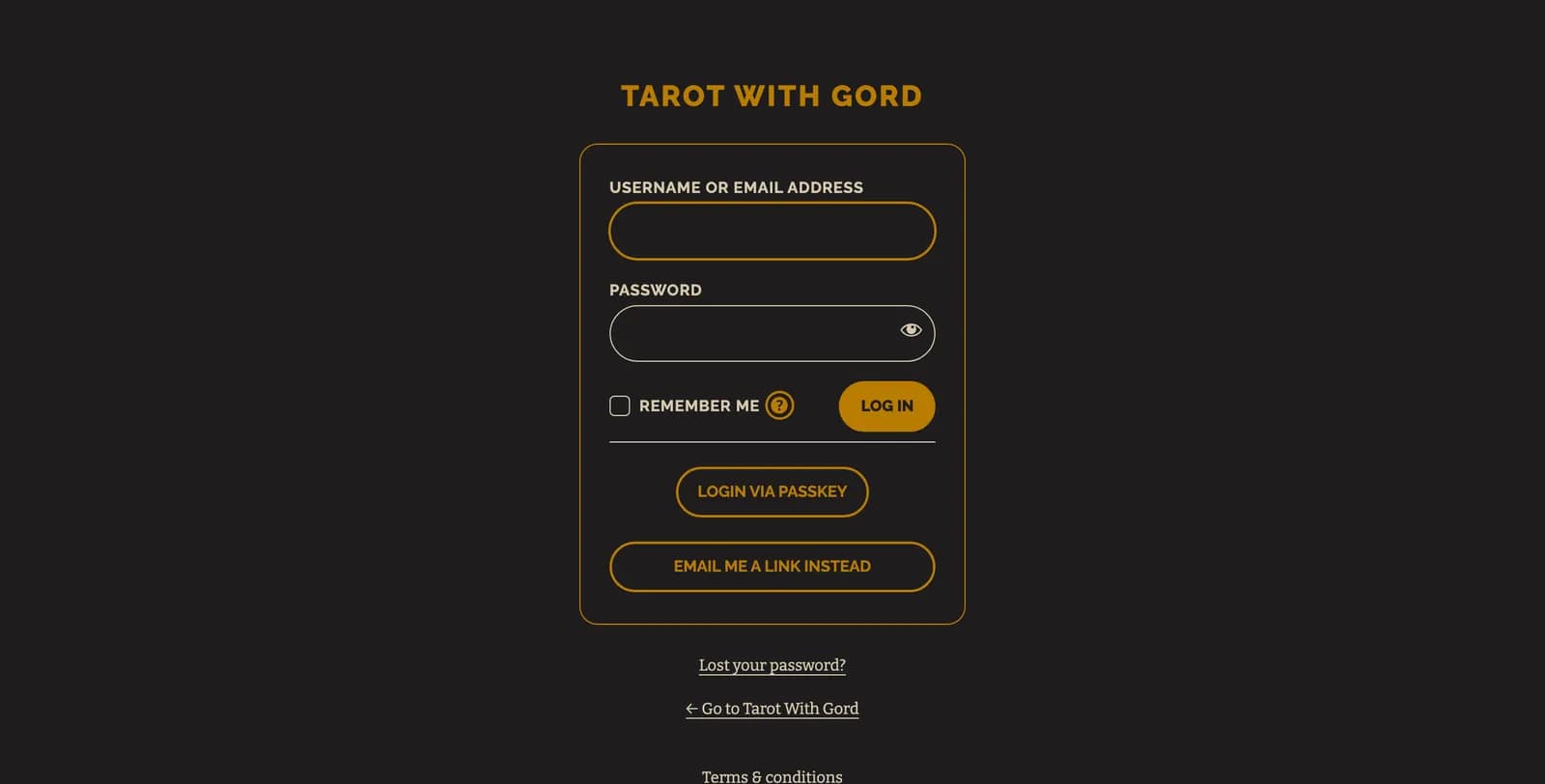
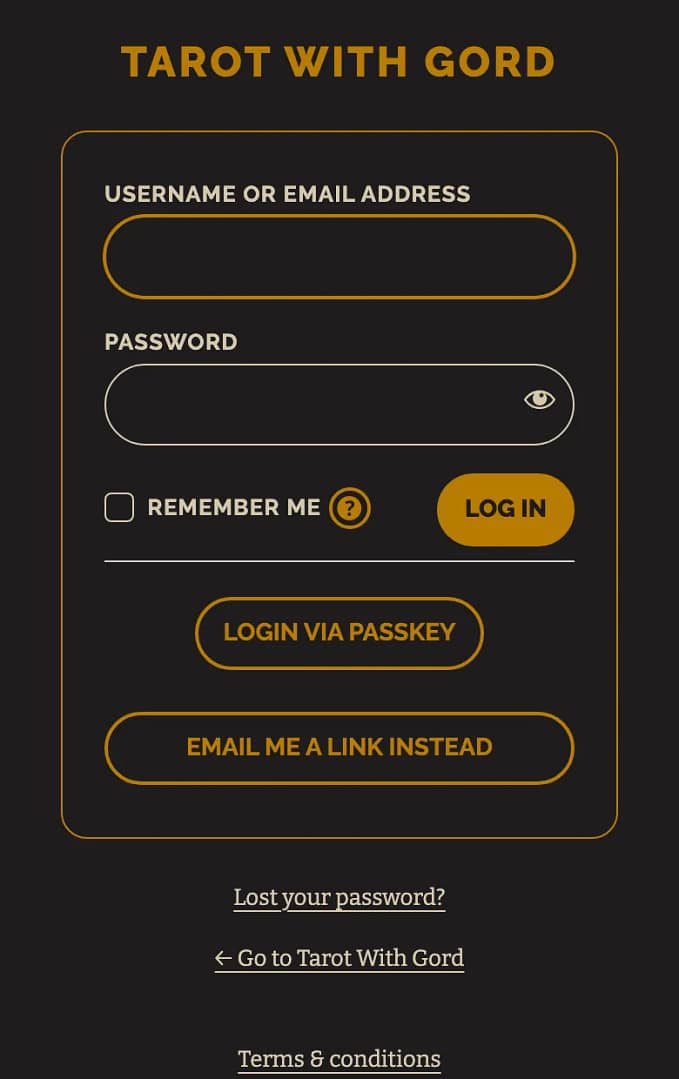
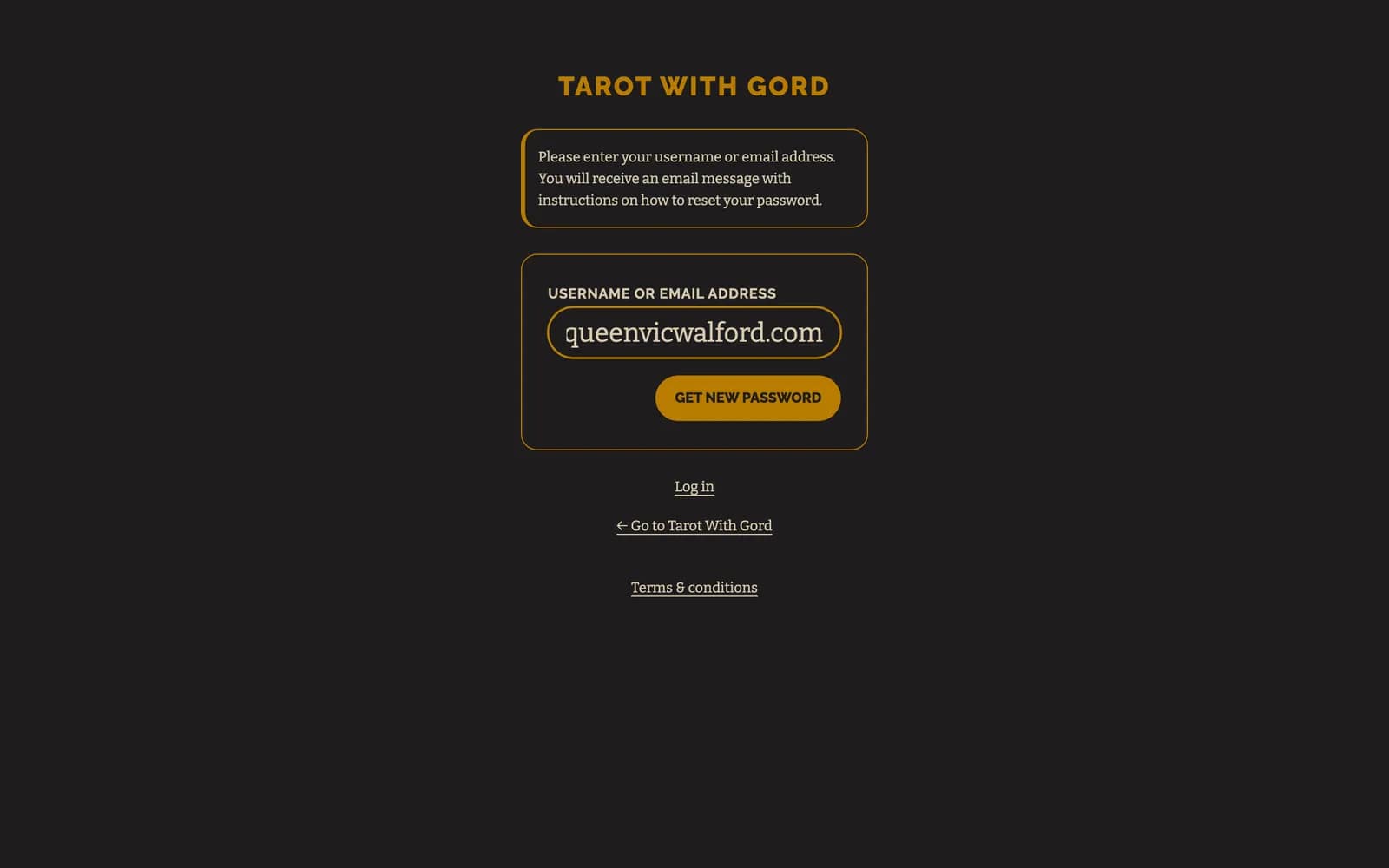
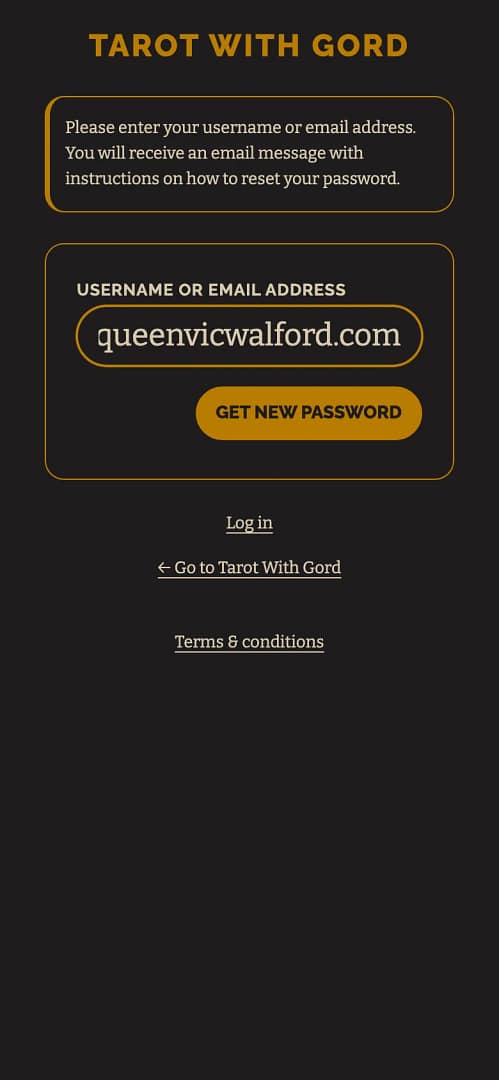
- Type in the email address you paid with and press Get New Password. Open the email with the link to set one, set your password, and sign in with it.
- Go to the Simply Tarot hub. If it opens, your membership is there.
Still not showing
- Go to Get in touch.
- Pick Simply Tarot Membership or Circle, then Payments and my card, then press That didn't sort it, I still need to get in touch.
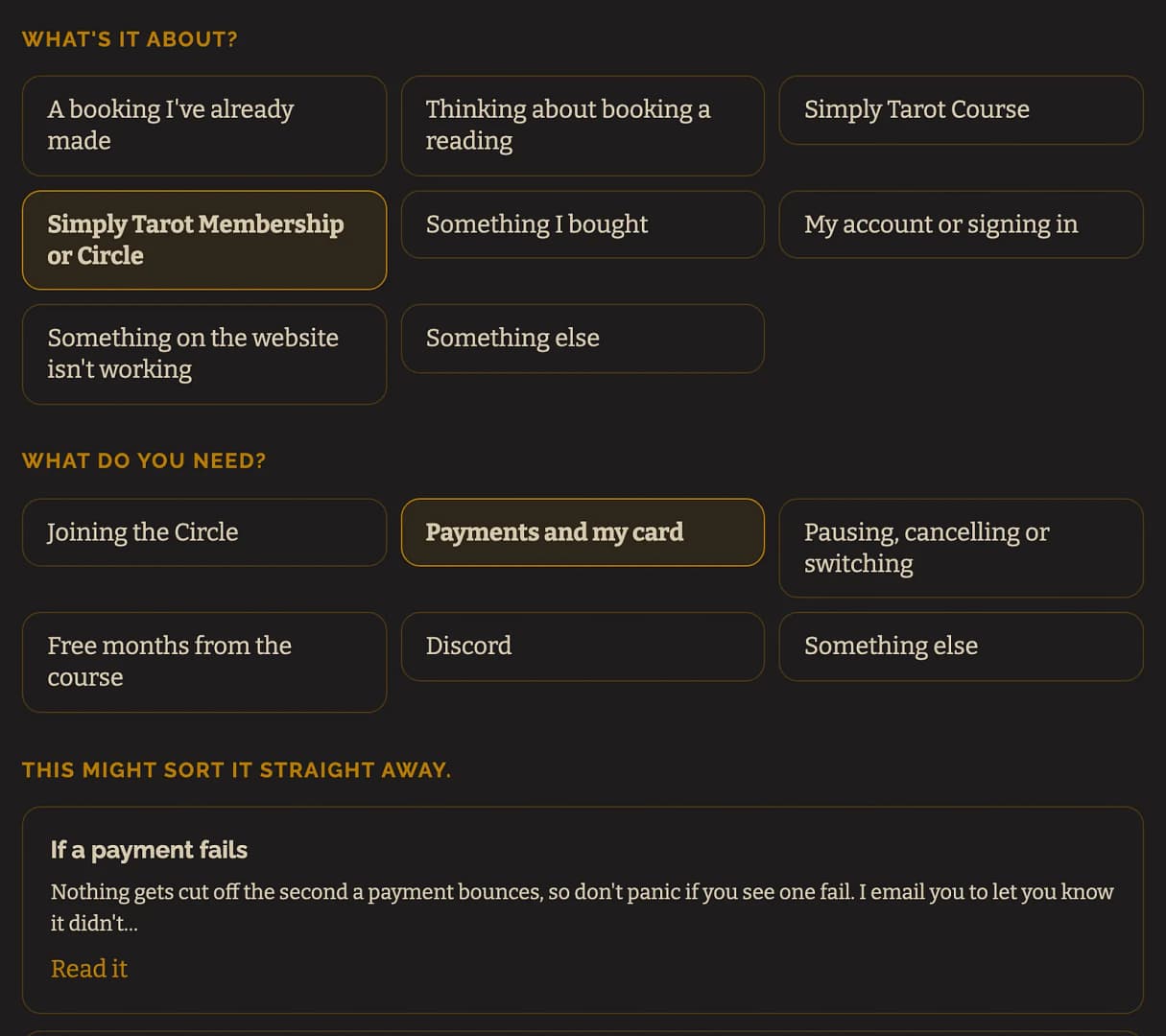
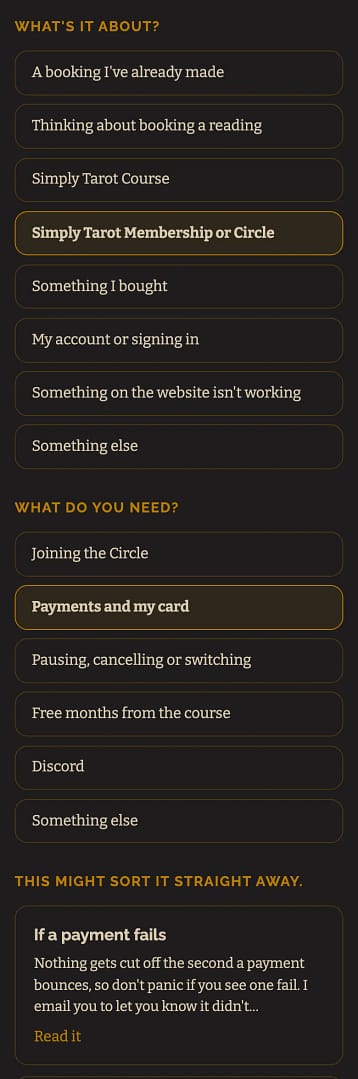
- A form opens underneath. Put in your name and the email you paid with, and write your message, telling me the email you paid with, any other email you might have used, and roughly when you paid. A screenshot of your receipt, or of the payment on your bank statement, helps me find it fastest. If you have a screenshot, press Choose File to add it. Then press Send it.
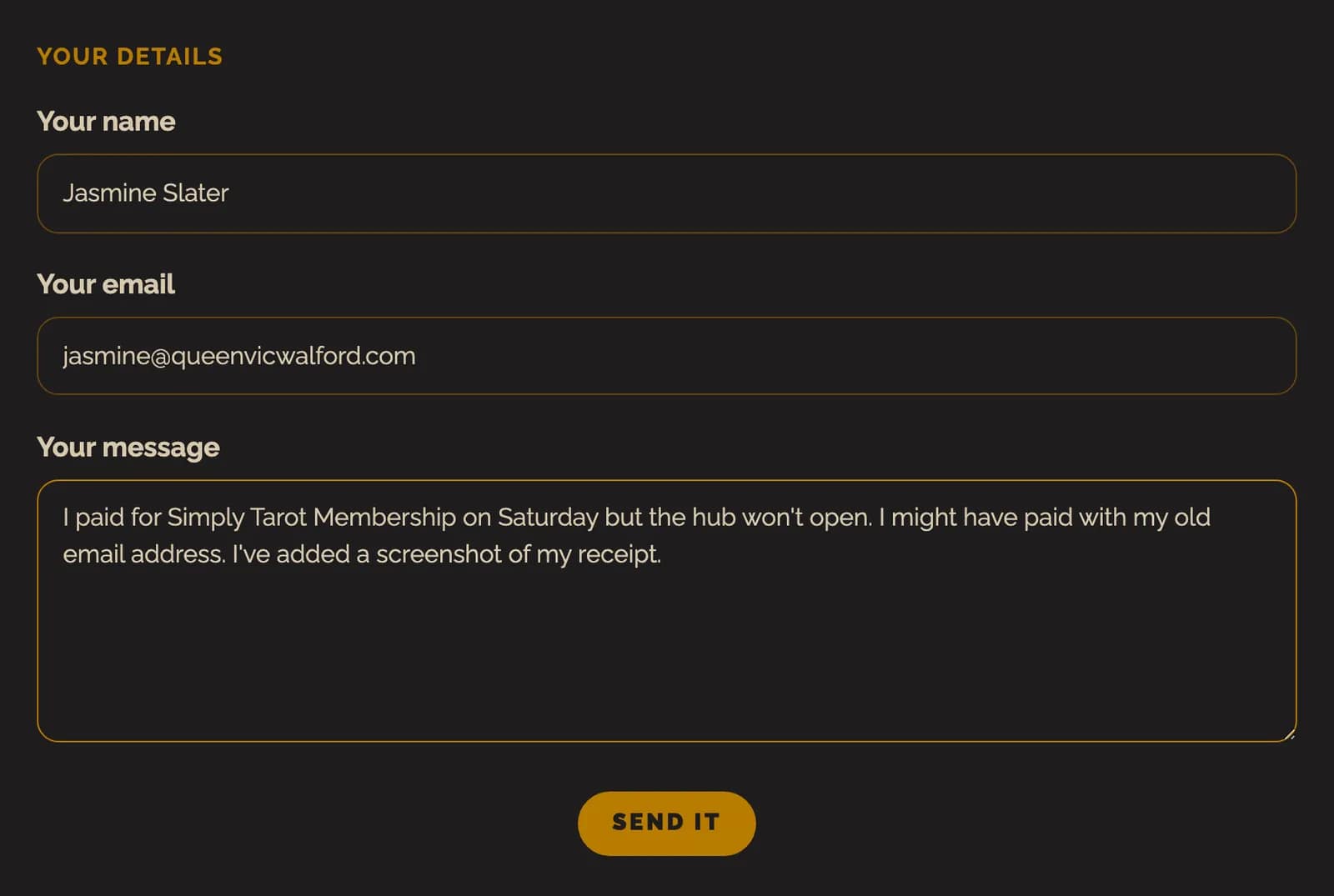
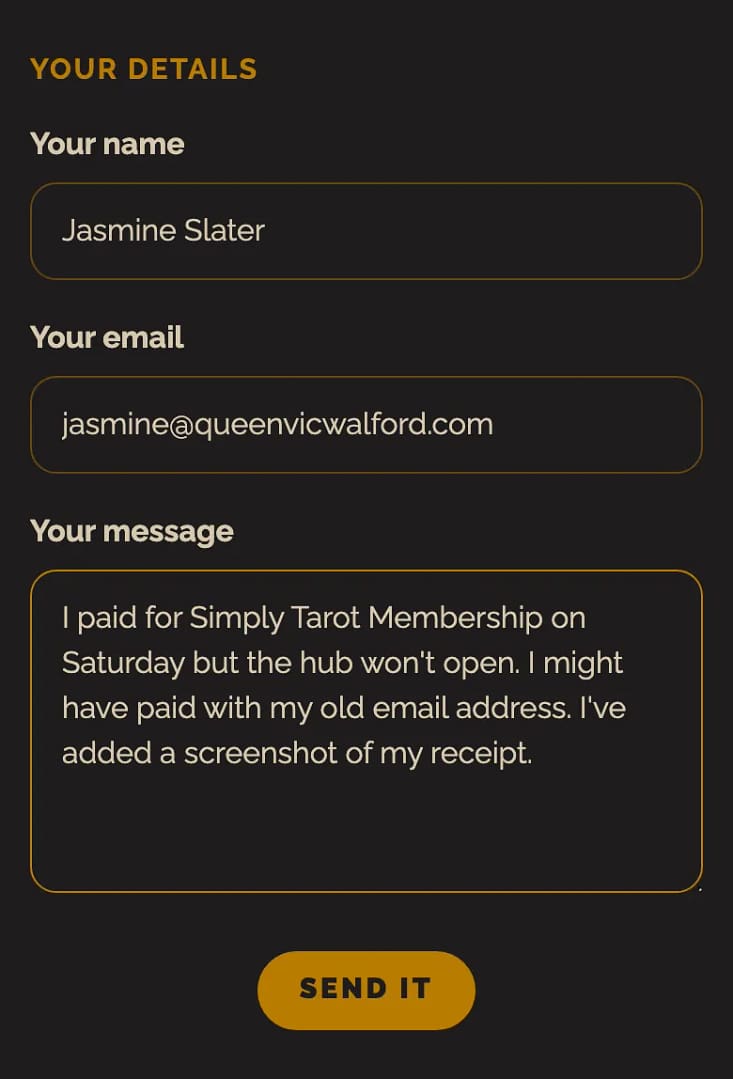
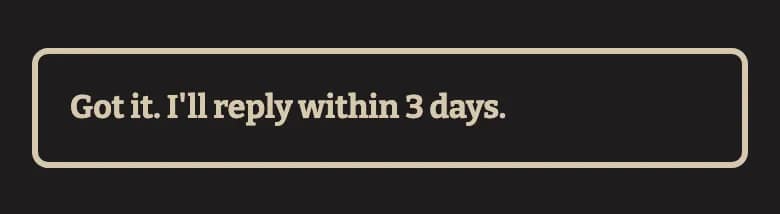
- The page says Got it. I'll reply within 3 days. A copy of what you sent comes to your email straight away, and my reply comes to the same address, usually sooner than that.

I can see payments coming in on my side, so with that I can match yours to the right account and switch it on.
The name and email in these pictures belong to a made-up person I use for examples. They're not a real customer's details.
Still looking for an answer? Get in touch and I'll sort it.
