
Recurring readings
This is a members' feature. Join Simply Tarot to use it.
A recurring reading is a reading you come back to on a schedule of your own: a card every morning, three cards every Monday, a reading at each full moon, whatever you do. You set it up once, and from then on it's one tap from your hub, with none of the extra steps of a full reading unless you want them.
Setting one up
- In the Simply Tarot hub, press Readings on the menu along the bottom, then Recurring readings, then Set up a recurring reading. You'll also find Set one up in Settings, and A recurring reading in Add a widget.
- How many cards? One, Two, Three, or A full reading if you want the whole Reading Recorder every time. With two or three cards you choose how you reflect: on the whole reading, card by card, or on groups of cards.
- A prompt? A different one each day gives you one of my prompts to write to, The same one every day lets you pick one, and None leaves you to it.
- When? Every day, morning, lunchtime or evening, every week, every month, or at each full moon or new moon. A weekly one asks which day, and a monthly one asks for a date or a day, like the first Sunday.
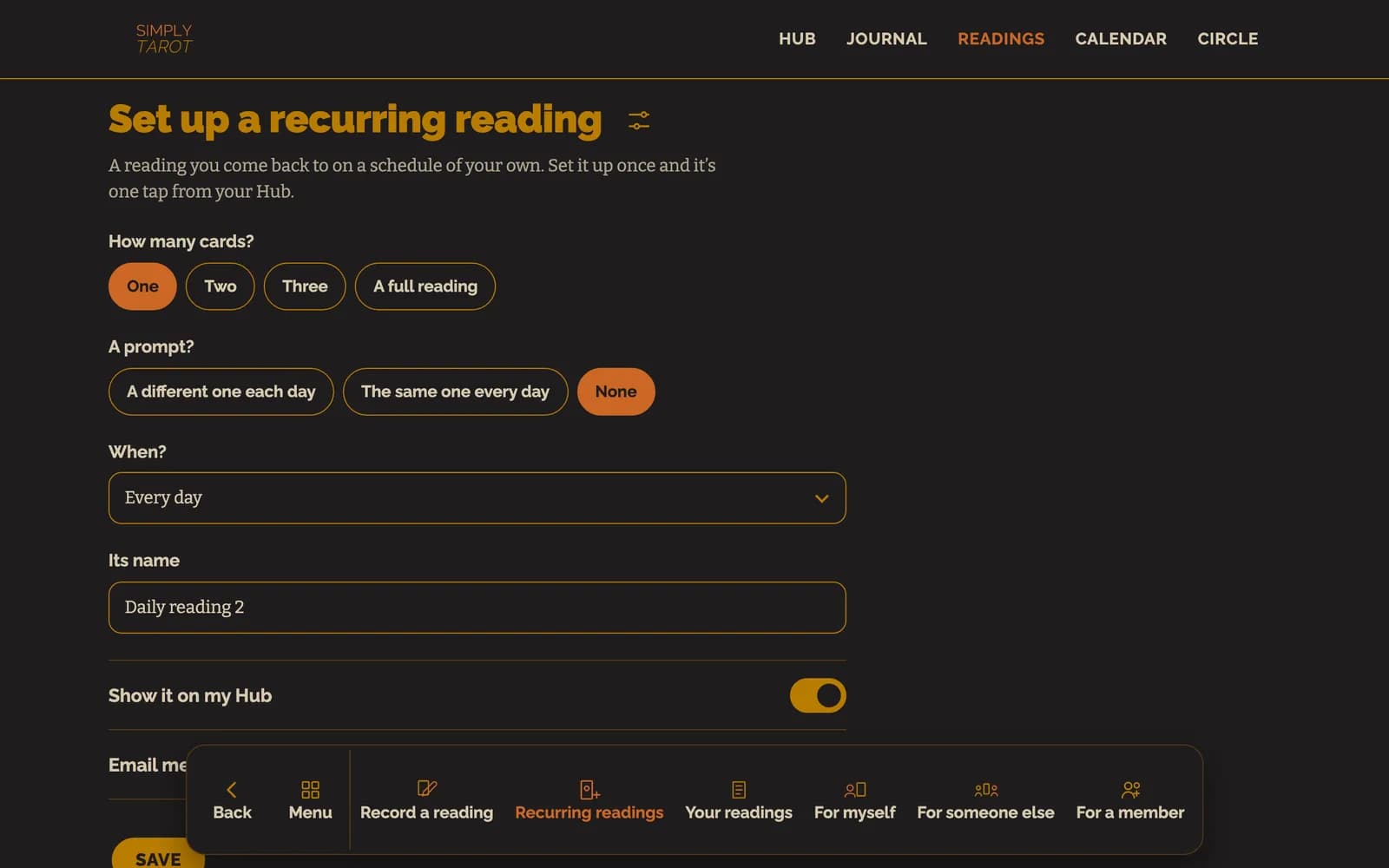
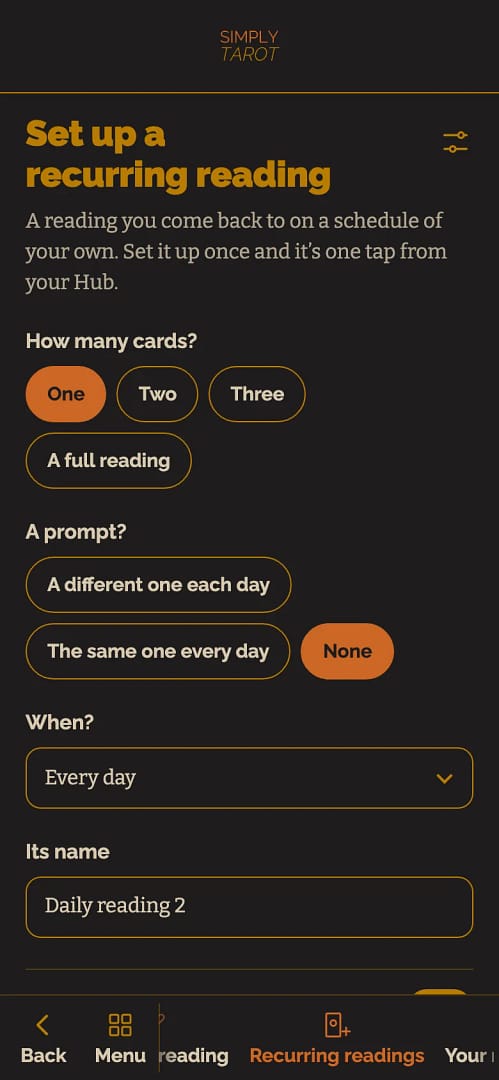
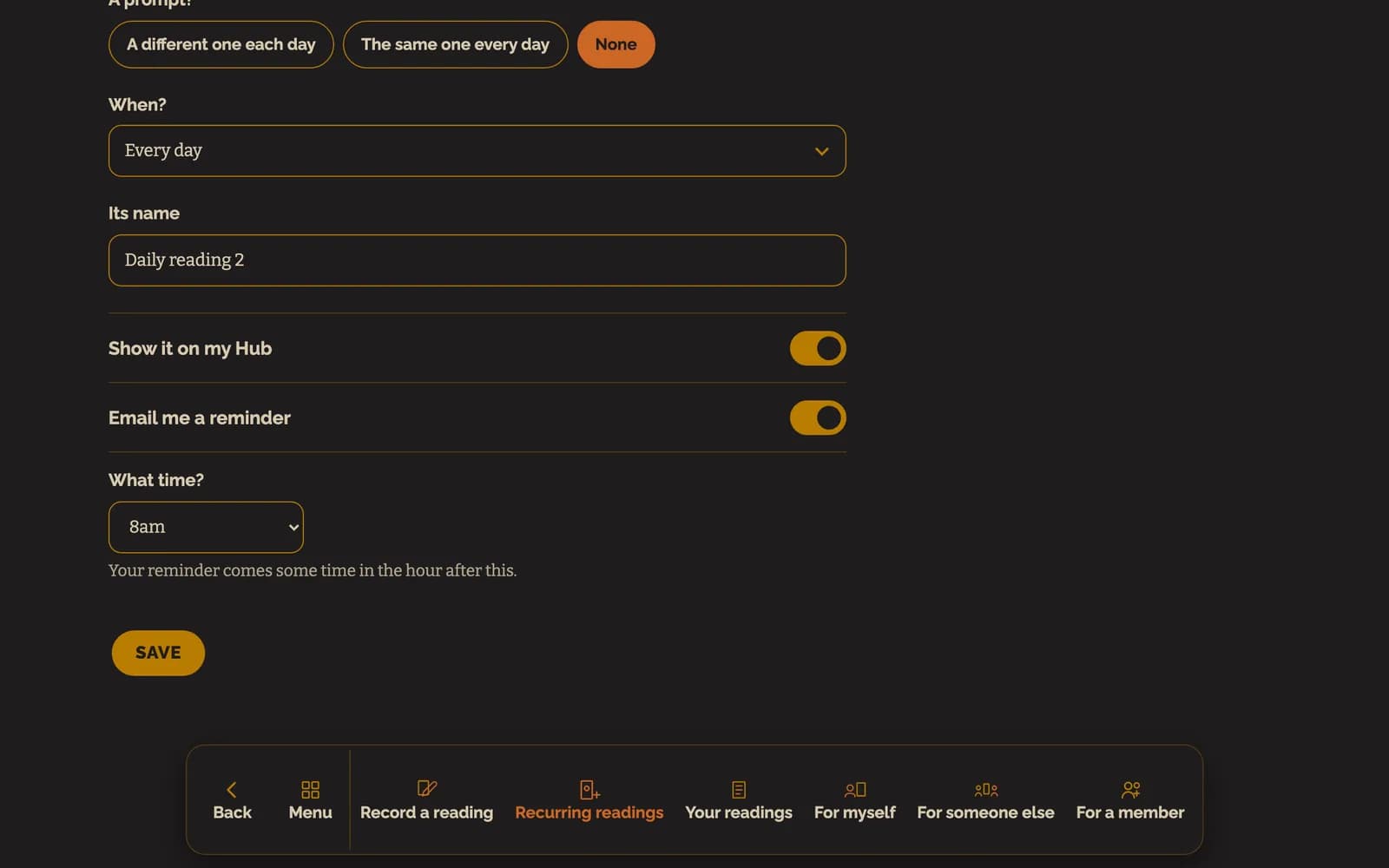
- Give it a name, or keep the one it suggests, and leave Show it on my Hub switched on.
- If you'd like an email when it's time, switch on Email me a reminder and pick the hour under What time? Then press Save.

The sliders at the top right are More options, for everything else the Reading Recorder can do: starting with a question, seeing a card in the Journal, being shown when a card's come up before, and oracle cards.
Doing it
Each one gets a widget on your hub with its name on it.
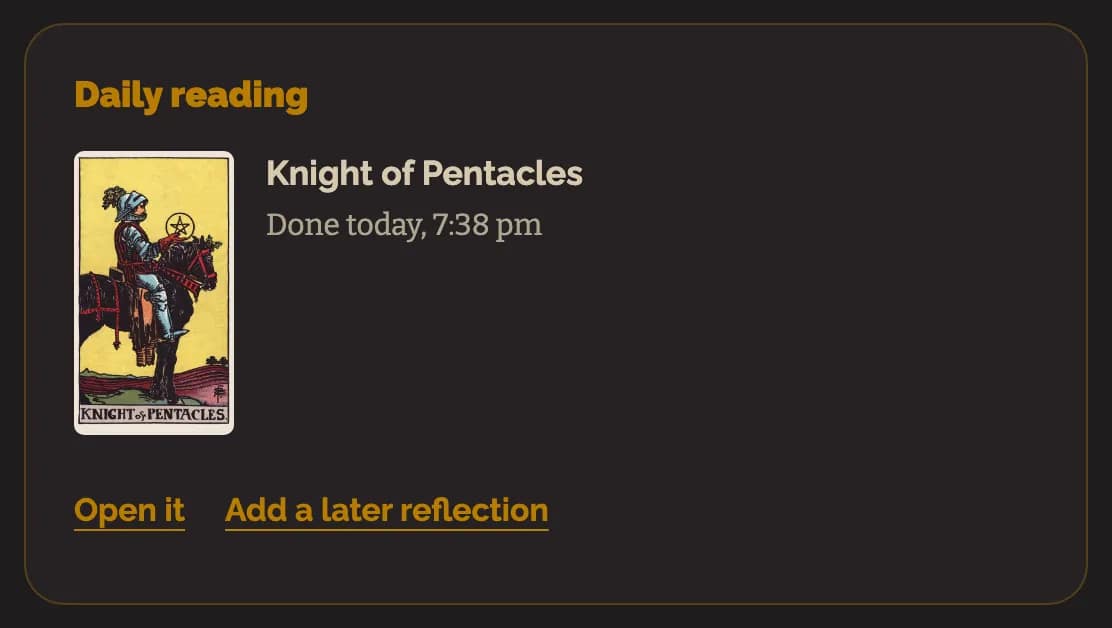
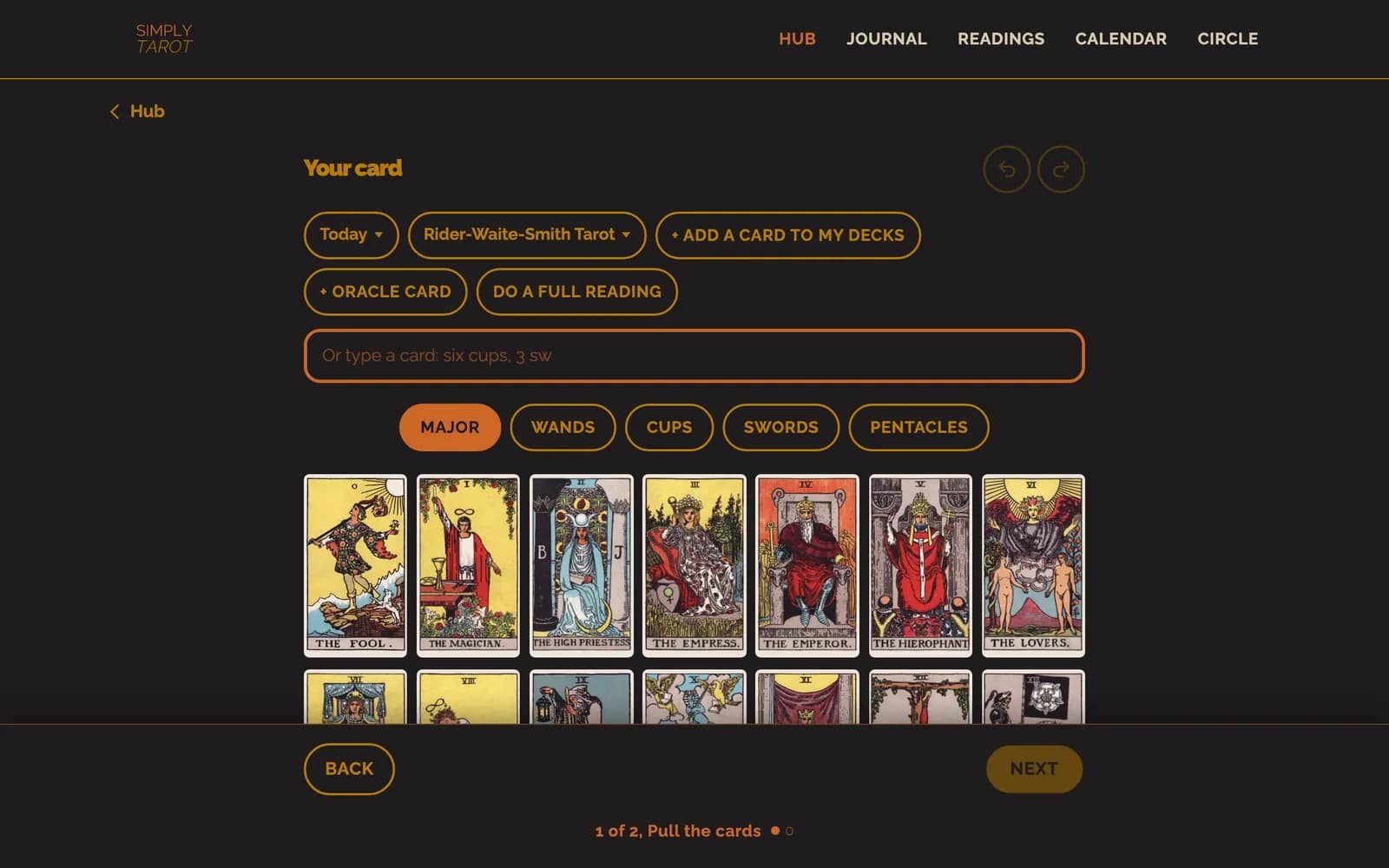
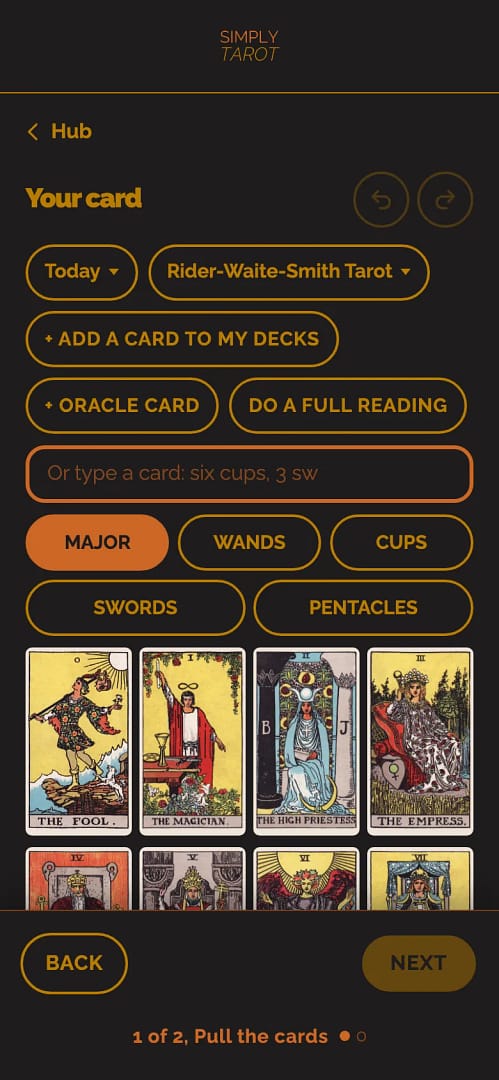
- Press Pull today's card on its widget. It opens the Reading Recorder with just what you set up, today's date and the deck you last used for it, and your prompt if you've got one.
- Tap the card you pulled from your own deck, write what you see in it and save.
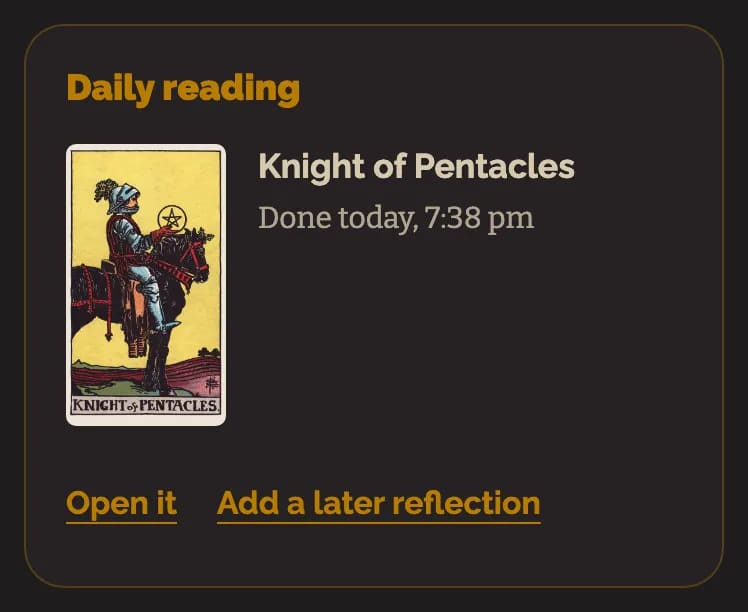
That's it. The widget then shows the card and when you did it, with Open it and Add a later reflection, for when the card makes more sense later in the day. If you want more than you set up, Do a full reading, or pulling a fourth card, turns it into the full Reading Recorder with everything carried across.
Where they go
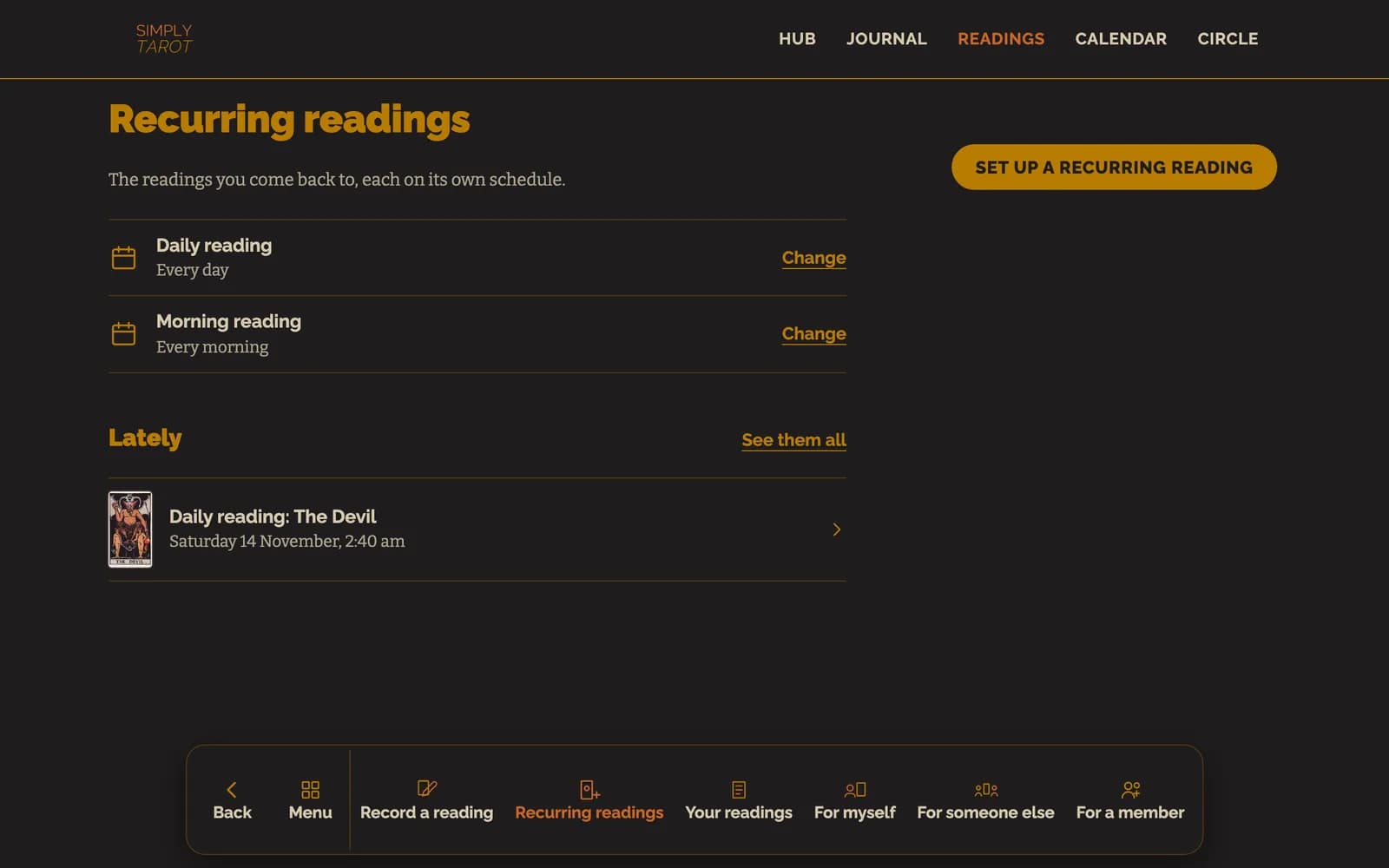
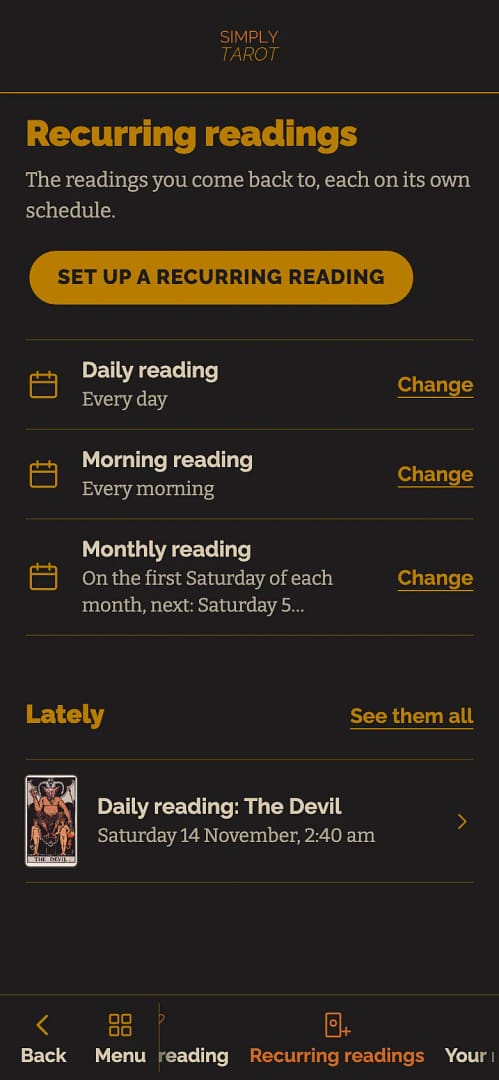
Each one is saved as a reading, so it's in Your readings under Recurring readings, in the Calendar on its day, and on the card's own page in Simply Tarot Journal. Recurring readings lists yours, each with when it's next and what you've done lately.
The reminder comes some time in the hour after the one you picked, in your own time zone, on a day the reading's due, and only if you haven't done it yet that day. It's one email, never two, and its button takes you straight to the reading. To stop them, switch Email me a reminder off in the reading's set-up.
To change one, press Change beside it. You can pause it, which takes it off your hub and out of the Calendar until you start it again, or delete it. In Settings, Prompts is every prompt your recurring readings can use: switch off any you don't want, or add your own at the bottom.
The readings in these pictures belong to a made-up person I use for examples. They aren't a real member's.
Still looking for an answer? Get in touch and I'll sort it.
