Tarot with Gord
HelpGet in touchBack to the site

← All help

The menu along the bottom

This is a members' feature. Join Simply Tarot to use it.

Everywhere in the Simply Tarot hub, the menu sits along the bottom of the screen. It changes with the page you're on, so what you need is right there and nothing else is getting in your way.

On the front page

On the hub's front page it's the main menu: Hub, Journal, Readings, Calendar, Circle, then Course if you're on Simply Tarot Course, Recordings, Downloads, From Gord, Your favourites, DisGord, Other Readers, Settings, Your account and Main site. There's more than fits on a phone, so slide it sideways with your finger to see the lot. DisGord, Your account and Main site have a small arrow beside them, because they take you out of the hub.


The end of the main menu, slid along: Settings, Your account and Main site, the last two with a small arrow, on a computer
The end of the main menu, slid along: Settings, Your account and Main site, the last two with a small arrow, on a phone

On every other page

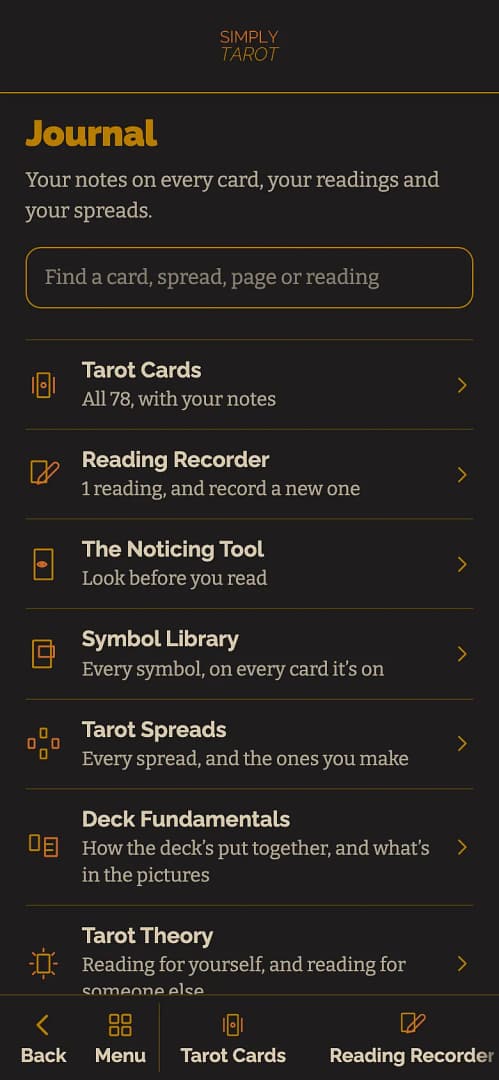
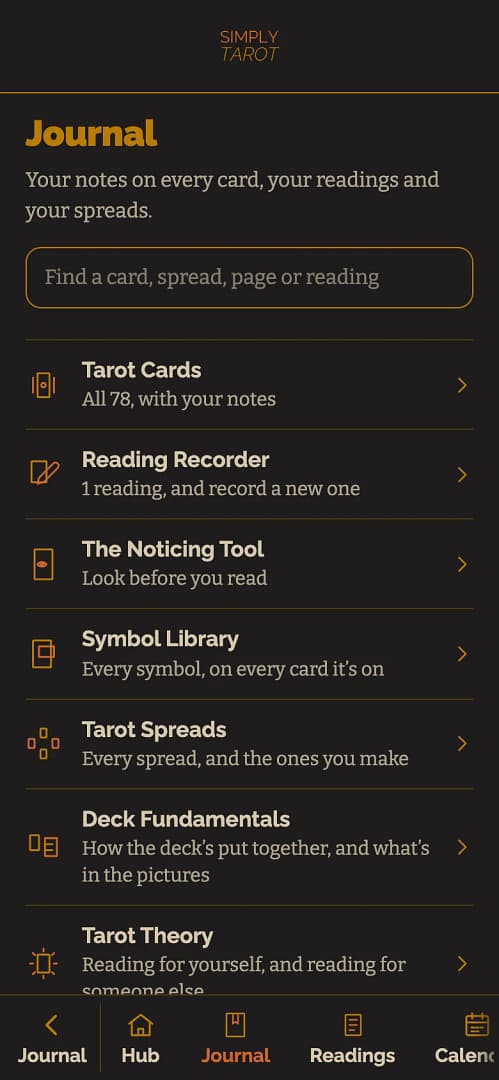
Everywhere else the menu starts with Back, which takes you back to wherever you just were, one step at a time, the same as your phone's own back button. Then there's Menu, and after those come that page's own buttons, with the one you're on lit up.
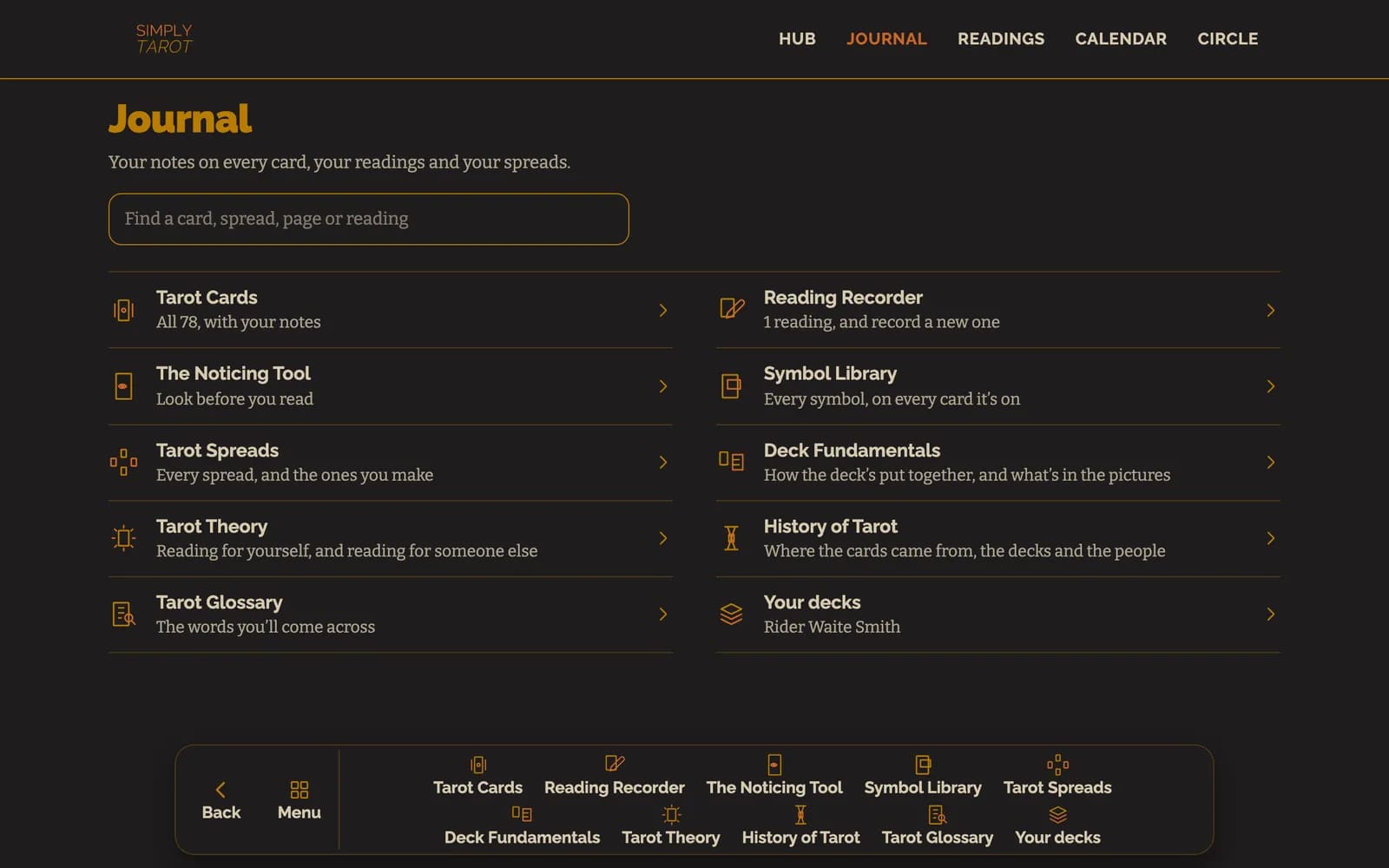
The Journal with the menu along the bottom: Back, Menu, then Tarot Cards, Reading Recorder and the rest of the Journal's own buttons, on a computer
The Journal with the menu along the bottom: Back, Menu, then Tarot Cards, Reading Recorder and the rest of the Journal's own buttons, on a phone

So in the Journal they're its sections, Tarot Cards, Reading Recorder, the Noticing Tool and the rest. In Readings they're Record a reading, Recurring readings, Your readings, For myself, For someone else and For a member. On a card's page they're Card, Notes, Symbols, Meanings and Readings, and some pages, like Symbols and Meanings on a card, have their own set again.

Press Menu and the main menu slides in, with the part of the hub you're in lit up, and tapping anything on it takes you there. The first button is the page you're on with an arrow pointing back, and tapping it slides that page's own buttons back in.
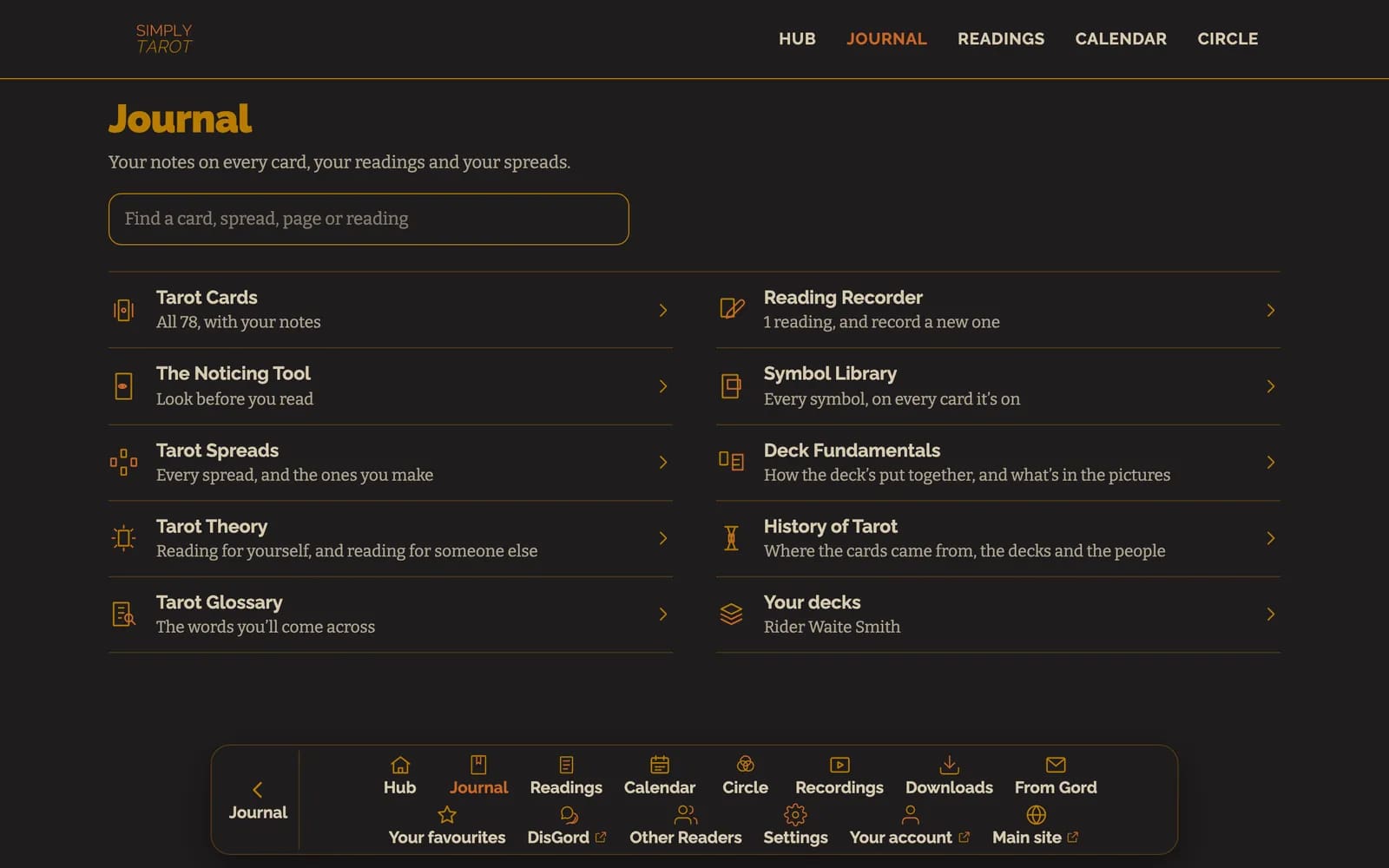
Menu pressed on the Journal: the first button says Journal with an arrow pointing back, then Hub, Journal lit up, Readings and Calendar, on a computer
Menu pressed on the Journal: the first button says Journal with an arrow pointing back, then Hub, Journal lit up, Readings and Calendar, on a phone

Good to know

  • To get back to the front page from anywhere, tap Simply Tarot at the top of the screen.
  • On a computer, the menu sits along the bottom in the middle of the screen, and Hub, Journal, Readings, Calendar and Circle are along the top as well.
  • While you're typing in a box on a phone, the menu gets out of the way so it isn't sat on top of what you're writing.
  • The Reading Recorder has its own Back and Next along the bottom, so the menu steps aside while you're recording a reading and comes back when you're done.

Still looking for an answer? Get in touch and I'll sort it.

Get in touch
HelpGet in touchBack to the site

© 2026 Tarot with Gord

Tarot With Gord
Your Privacy & Cookies

I use cookies to optimise my website and service for you. Your privacy is important to me. Please choose how you'd like me to handle cookies

Functional Always active
The technical storage or access is strictly necessary for the legitimate purpose of enabling the use of a specific service explicitly requested by the subscriber or user, or for the sole purpose of carrying out the transmission of a communication over an electronic communications network.
Preferences
The technical storage or access is necessary for the legitimate purpose of storing preferences that are not requested by the subscriber or user.
Statistics
The technical storage or access that is used exclusively for statistical purposes. The technical storage or access that is used exclusively for anonymous statistical purposes. Without a subpoena, voluntary compliance on the part of your Internet Service Provider, or additional records from a third party, information stored or retrieved for this purpose alone cannot usually be used to identify you.
Marketing
The technical storage or access is required to create user profiles to send advertising, or to track the user on a website or across several websites for similar marketing purposes.
  • Manage options
  • Manage services
  • Manage {vendor_count} vendors
  • Read more about these purposes
Manage options
  • {title}
  • {title}
  • {title}