
Watching a Circle back
This is a members' feature. Join Simply Tarot to use it.
Missed a Simply Tarot Circle, or want to sit with one again? The focused part of each one is usually recorded for members.
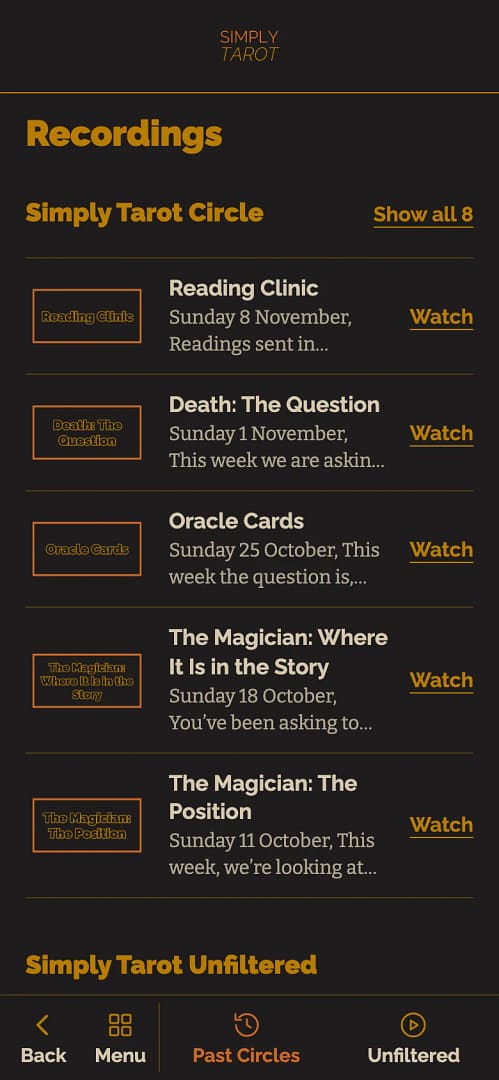
- In the Simply Tarot hub, press Circle on the menu along the bottom, then Past Circles.
- Each one has its date and what it was about. Press Watch on the one you want.
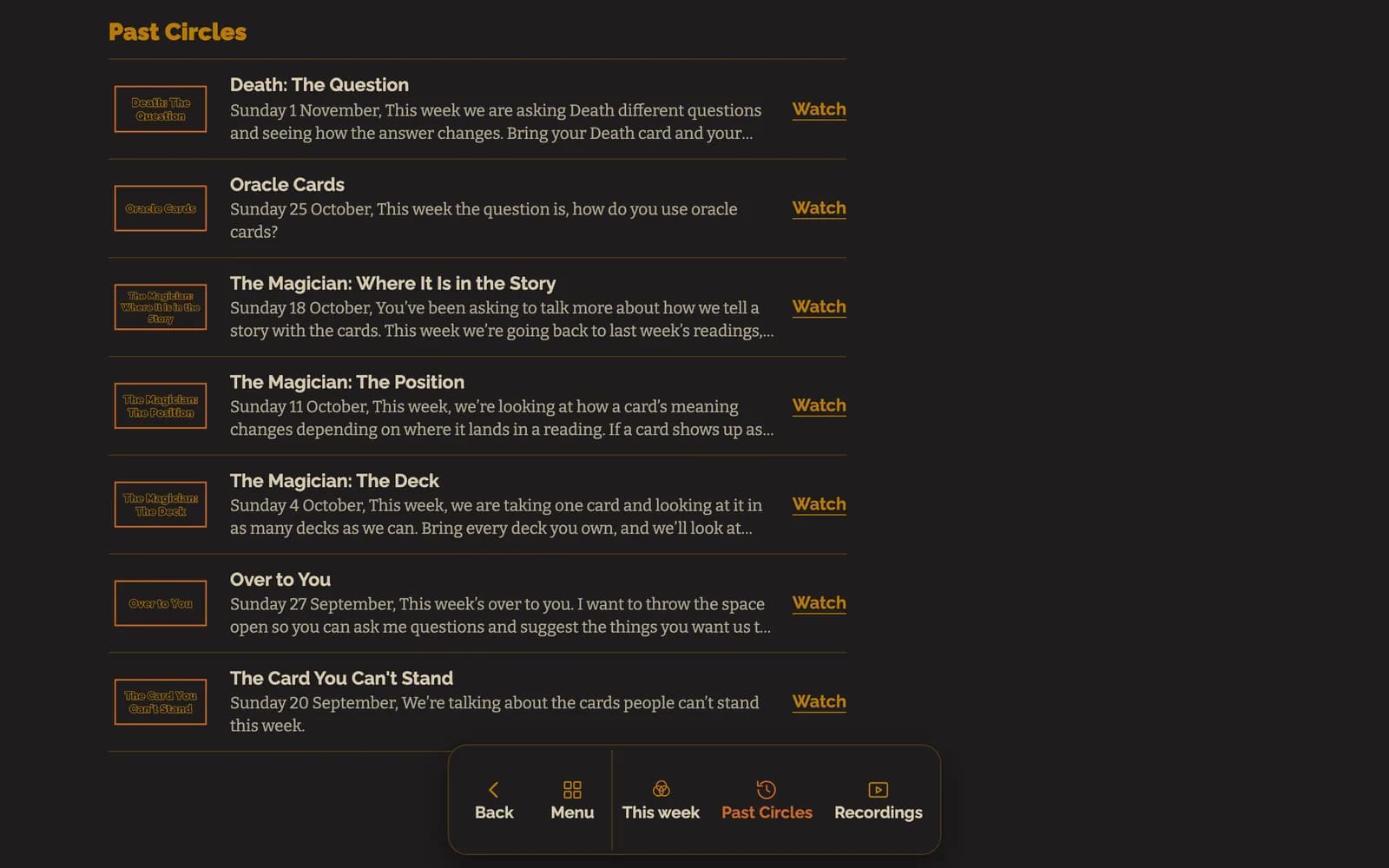
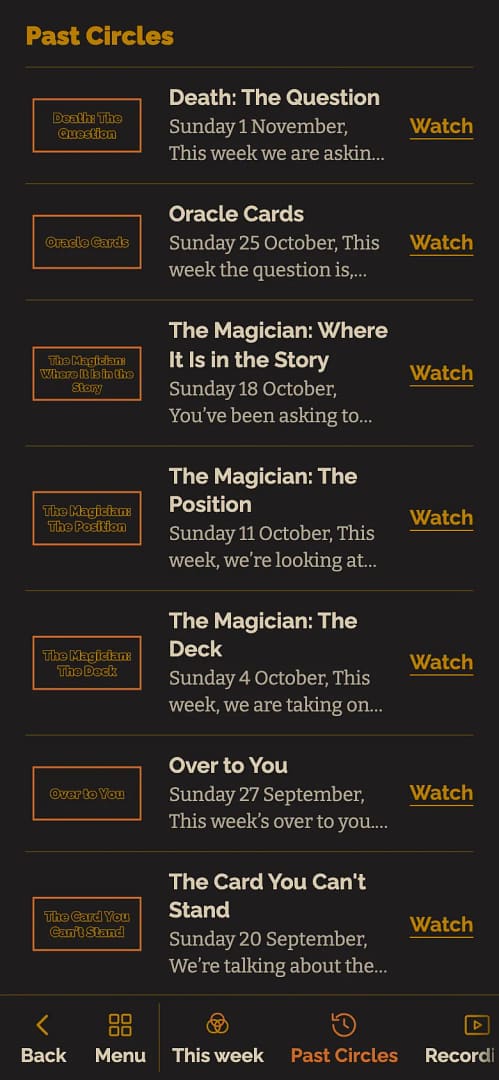
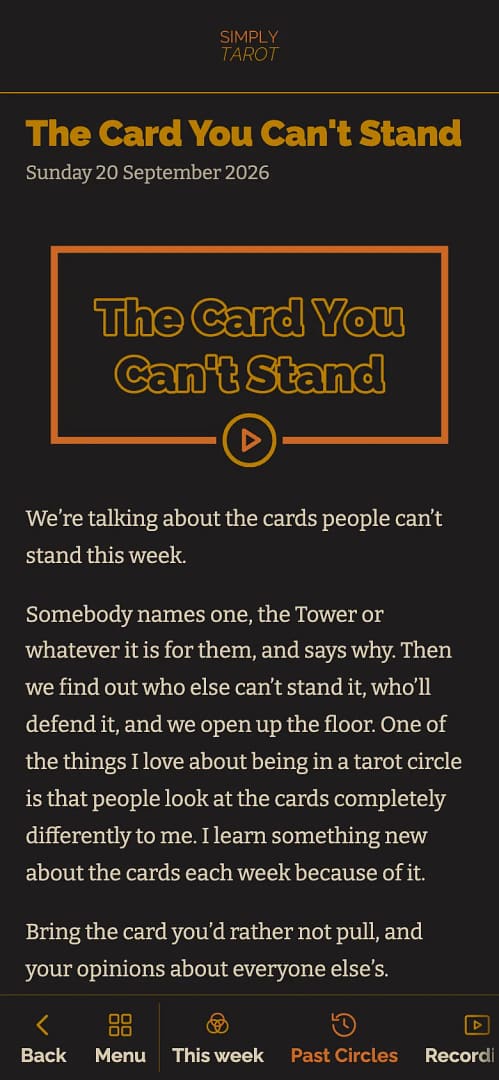
- Its page opens with the Circle's picture and what that week was about underneath. Press play on the picture and it plays right there in the hub. Back takes you back to the list.

Just want last week's? Watch last time on the Simply Tarot Circle widget, at the top of your hub's front page, plays it straight away.
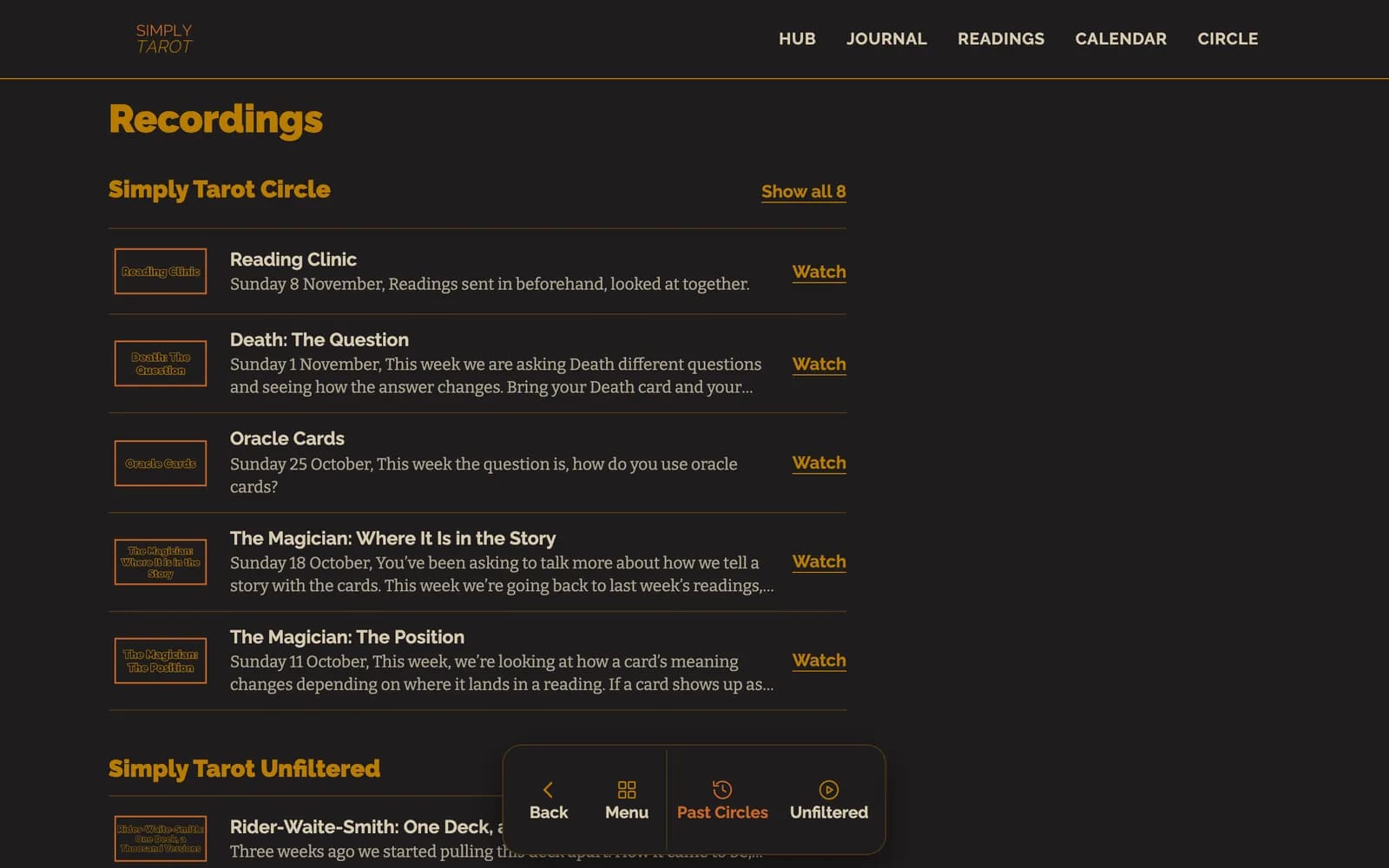
They're all in Recordings on the menu too, with Simply Tarot Unfiltered and your sessions if you're on Simply Tarot Course. And every past Circle is in the Calendar on its day, with Watch.
One honest heads-up: now and then I forget to hit record. It happens. So the odd week won't have a recording, and there's no getting it back if the button didn't go on. That's why coming live is still the best way to catch a Circle: see Joining the Circle as a member.
Still looking for an answer? Get in touch and I'll sort it.
