Using the Symbol Library
This is a members' feature. Join Simply Tarot to use it.
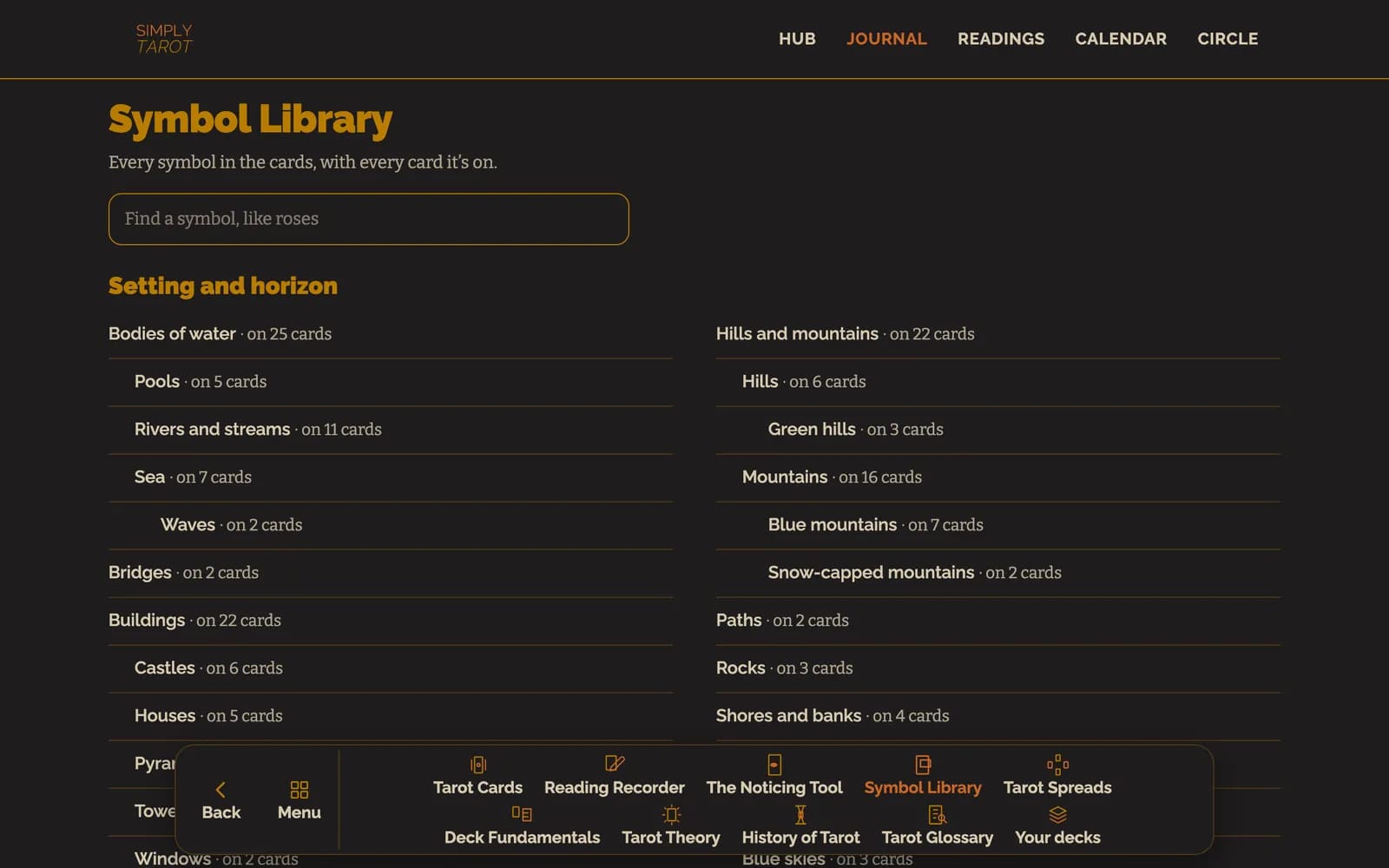
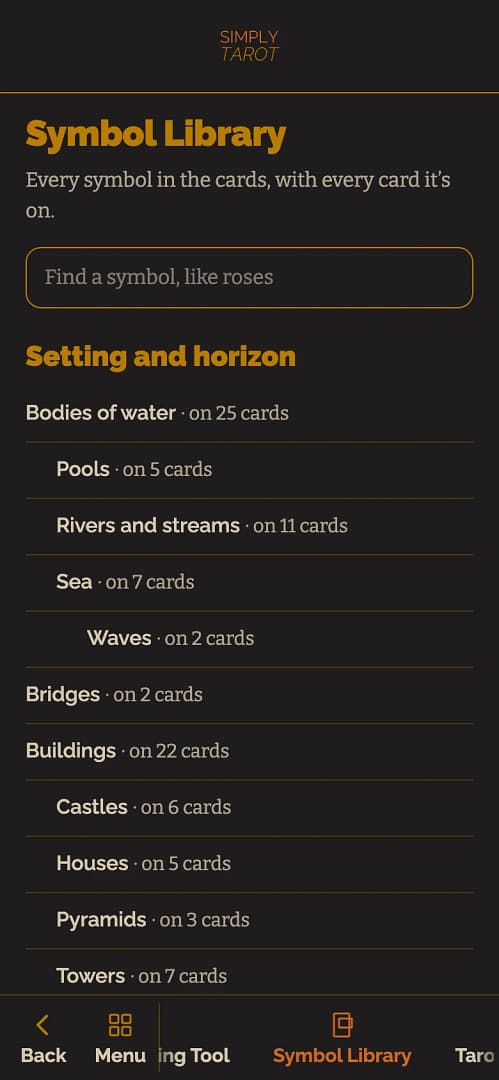
The Symbol Library is every symbol in the cards, sorted by what it is, with every card it's on. It's for when you've spotted something, a pool of water, a pair of pillars, a crown, and you want to see where else it turns up.
- In Simply Tarot Journal, press Symbol Library. It's on the Journal's list and along the bottom.
- The symbols are grouped by what they are, from the setting and the horizon, through bodies, hands, people, animals, plants and clothing, to Colour and Numbers at the end. Each one says how many cards it's on, and the kinds of a thing sit under it, so Pools, Rivers and streams, and Sea are under Bodies of water. Type in the box at the top to find one.
- Tap a symbol to open it. You'll see the first card it's on, zoomed in on that part, with what I've written about it underneath. Before and Next take you through every card it's on. Under On other cards too are those cards, small, to jump to, and the buttons above them switch to a symbol it belongs with, like Bodies of water for every kind of water, so you can follow it further.
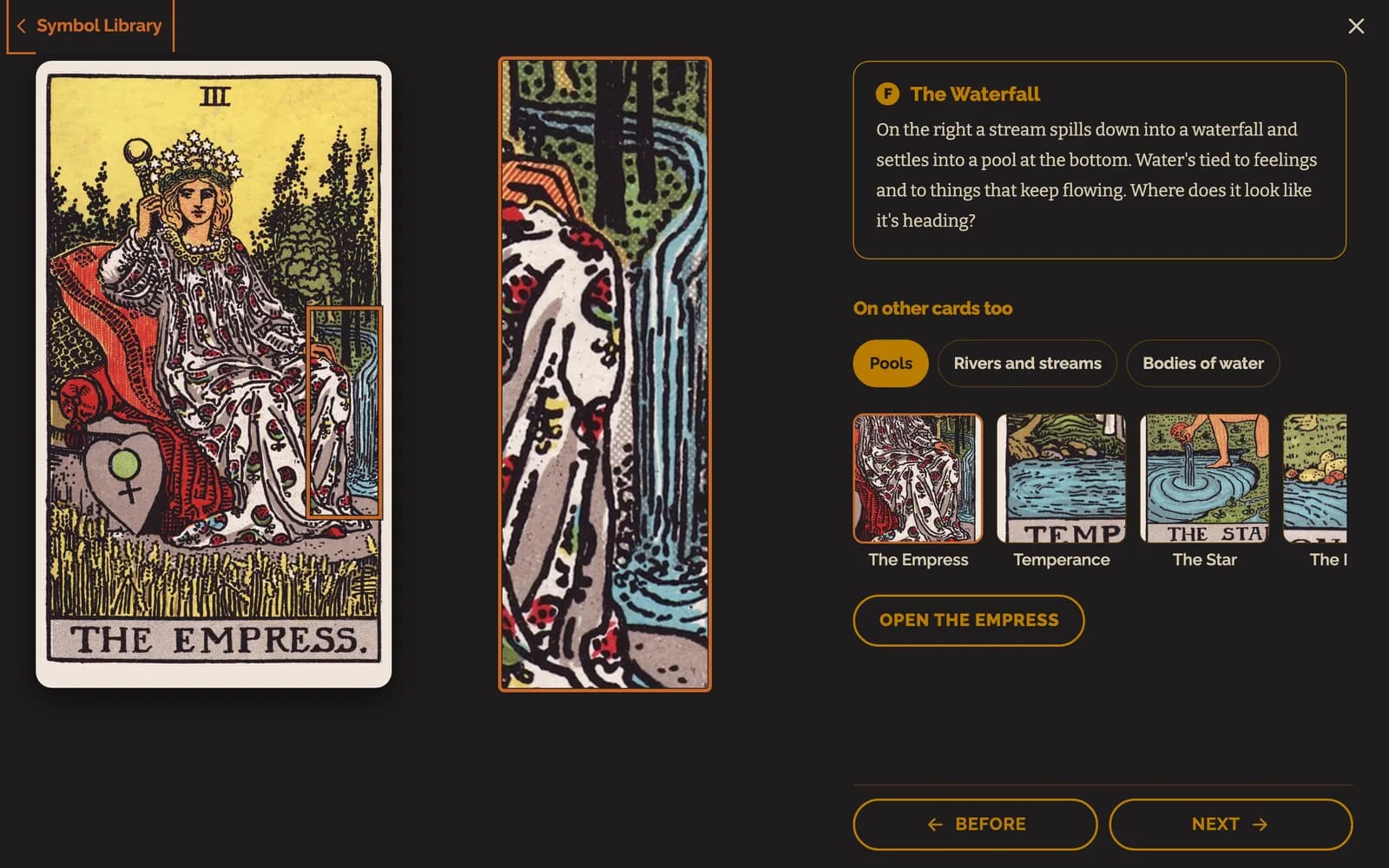

- Open with the card's name takes you to that card's page in the Journal, on that symbol. Back brings you back to the Symbol Library, where you left it.
You can get here from a card's page too. In Symbols, In this card lists every symbol on that card, and tapping one shows you the other cards that have it: see A card's page in Simply Tarot Journal. And if you want to know how to read a symbol in the first place, start with Symbology, the first page in Deck Fundamentals.
Everything in the Symbol Library comes from my notes on the Rider-Waite-Smith cards, so those are the pictures you'll see.
Still looking for an answer? Get in touch and I'll sort it.
