Your decks are your own
This is a members' feature. Join Simply Tarot to use it.
Lots of members read with the same decks, and every one of you has your own version of each one. Anything you change on a deck is yours alone, and nothing another member does ever changes yours.
What's yours alone
- The cards in it. A card you add to a deck, a card you rename and a card you take off change your version of that deck and nobody else's. When you rename a card, your photo and your notes go with it. Rider-Waite-Smith already has all 78, so it doesn't take added cards.
- Your card photos. Nobody else sees them, member or not.
- Your photo of the deck. The deck's page says it on the line under it: Only you see it, here and on Your decks.
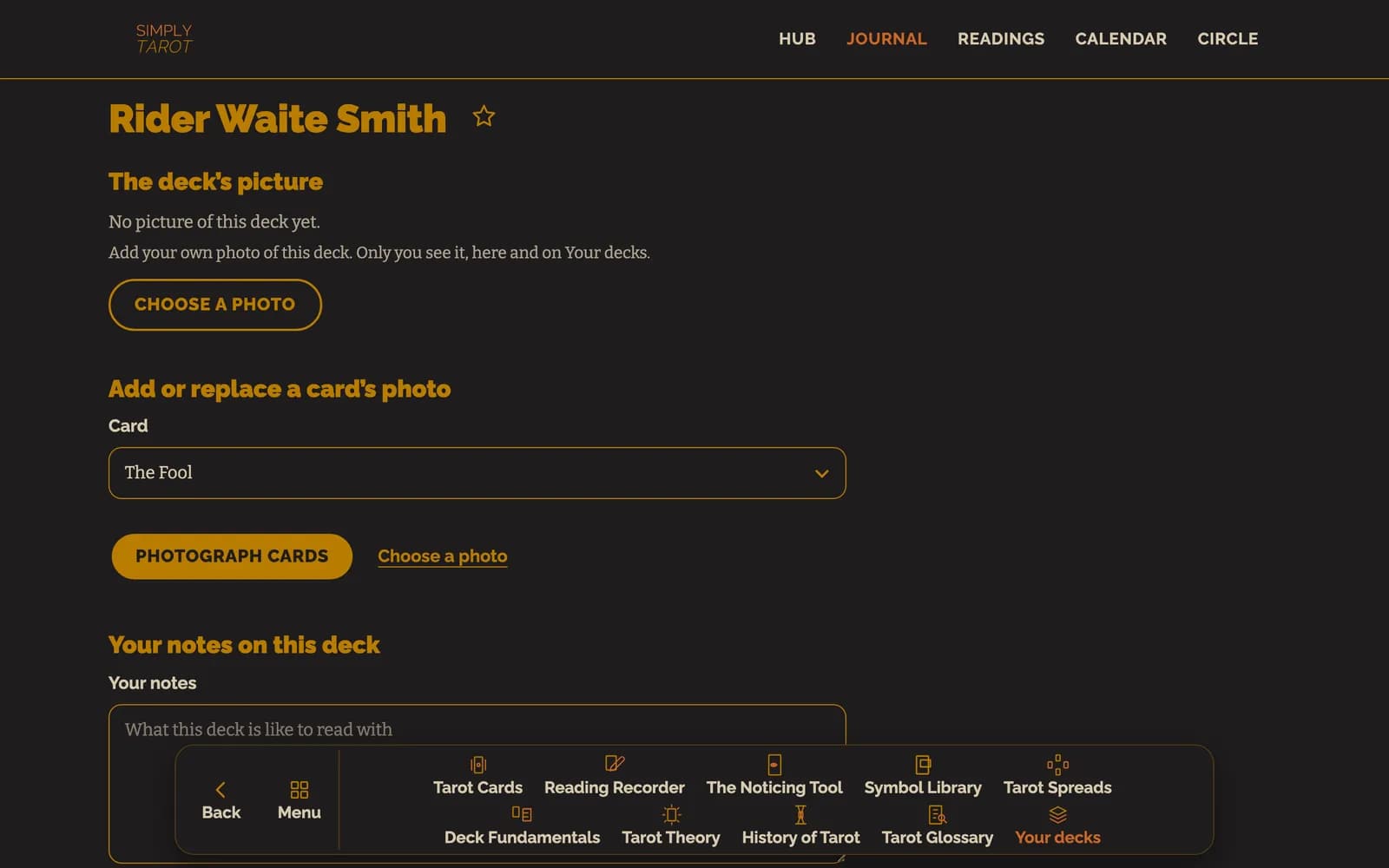
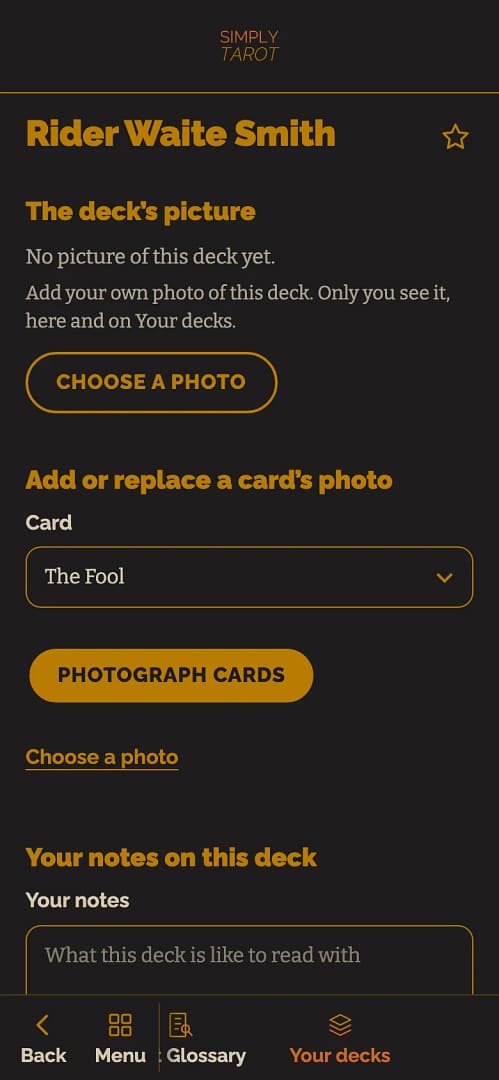
- Your notes on the deck, on its cards and on their symbols.
Names other members have given these cards
Some decks call their cards something different, or have cards the usual 78 don't. If other members have renamed cards on a deck you've got, or added cards to it, you can use their names too, and only if you want to.
- In Your decks, tap the deck to open its page.
- Press Use names other members have given these cards. It's only there when there's something to offer, and never on Rider-Waite-Smith.
- You'll see the names other members use for each card, and the cards they've added, with how many members use each one. It never says who, and it never shows their notes or photos, only the names.
- Press Use this name or Add this card for the ones you want, or Use all of the most-used names to do the lot in one go.
Nothing in your deck changes unless you choose it, and what you choose only changes your version. When you've already got every name other members use, it says so.
For adding decks and photographing your cards, see Adding your decks and uploading deck photos.
Still looking for an answer? Get in touch and I'll sort it.
