Table of Contents
You’ve been reading tarot in person, and it works. You know how to hold space, read the cards, and have the conversation. Now you’re thinking about offering Zoom readings.
And suddenly you’re spiralling. What camera angle? How do they see the cards? Do I need special lighting? A fancy mic? Will it even feel real?
Stop. You’re overcomplicating this, hun.
Zoom readings work. They feel like proper readings. The tech is way simpler than you think. I’ve been doing them for a while now alongside my in-person sessions, and honestly, the energy is the same if the client’s comfortable with video calls.
This post covers what actually matters for virtual tarot readings and what you can ignore.
The Camera Angle That Actually Works
Forget Overhead Cameras
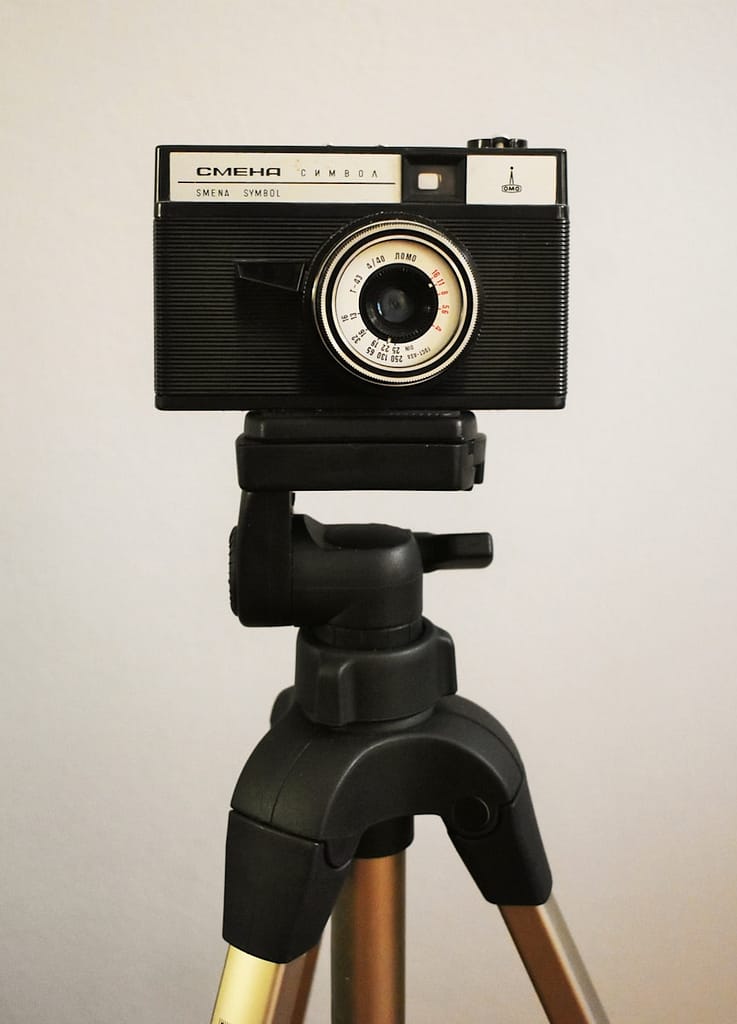
Right off the bat: bin the idea of overhead cameras.
I know it seems logical. You’re laying cards on a table, so film from above, yeah? But overhead angles feel disconnected and weird. You’re not making a TikTok tutorial. You’re having a conversation.
I tried Apple Desk View when it first came out. Looked impressive in the demo. Totally shit for readings. The client felt like they were watching a nature documentary about cards instead of talking to a person.
Tarot readings are conversations. Not performances. Not card displays.

Face-to-Face Works
Position your camera so the client sees your face, and you can hold cards up to show them. That’s it.
I use my iPhone with Continuity Camera clipped to the top of my monitor. Works brilliantly. But a laptop webcam pointed at you works just as well.
The goal is conversational. They’re talking to you, seeing your reactions, watching you pull cards and hold them up. Just like in person, except through a screen.
How to Show Cards Without Losing Your Mind
Don’t Try to Show the Whole Spread at Once
This was my biggest realisation early on: clients don’t need to see all the cards laid out at once.
They need to see each card clearly as you discuss it. That’s different.
When I read in person, people lean in to look at individual cards anyway. They’re not taking in the whole spread like it’s a painting. They’re focusing on what you’re talking about right now.
Same thing on Zoom. Hold the card up to the camera. Talk about it. Put it down. Pick up the next one.
This actually creates better focus. No visual overwhelm. Just you, them, and the card you’re discussing.
If they wanna see them all together, then you can always send them a picture afterwards.
Card Visibility Tips
Hold cards close enough that they can see the detail, but not so close that it’s just a blur of colours.
If there’s glare, tilt the card slightly; it’s pretty simple, not rocket science.
Don’t stress about keeping your hand perfectly still. You’re a human holding a card, not a product photographer. If they need a closer look, just hold it up again.
Test this before your first proper session. Get a mate on a call, hold up a few cards, and ask if they can see them clearly. Done.
Lighting Without the Ring Light Bollocks
What You Actually Need
Decent light so your face isn’t in shadow and cards are visible when you hold them up.
I use a strip light behind my desk. Keeps my face lit without causing glare in my glasses. Natural light from a window works too. So does a desk lamp positioned beside or behind the camera.
Ring lights? Fine if you’ve already got one, but they’re not essential. They can actually cause annoying reflections in glasses and on glossy card finishes.
Test Before Your First Session
Do a test call with someone. Check that you’re not silhouetted. Make sure cards show up clearly when you hold them. Adjust your light source if needed.
That’s literally it. You’re done with lighting.
Audio Matters More Than You Think
Why Headphones Help
I use headphones for every Zoom reading. Here’s why:
They reduce echo. If your voice is bouncing around the room, it sounds shit on the other end.
They keep the reading private. Your client doesn’t hear your housemate’s telly or your neighbour’s drilling. You don’t hear their partner clattering about in the kitchen.
They make you sound clearer and more present.
Cheap wired headphones work fine. You don’t need expensive noise-cancelling studio gear.
Microphone Basics
Your laptop or phone’s built-in mic is usually good enough. Speak clearly, don’t mumble, and you’re sorted.
If you’re in a noisy space or your mic sounds tinny, consider upgrading. But start simple. Don’t drop £200 on audio equipment before you’ve done your first reading.
What Changes (And What Doesn’t) in Virtual Tarot Readings
The Energy Is the Same
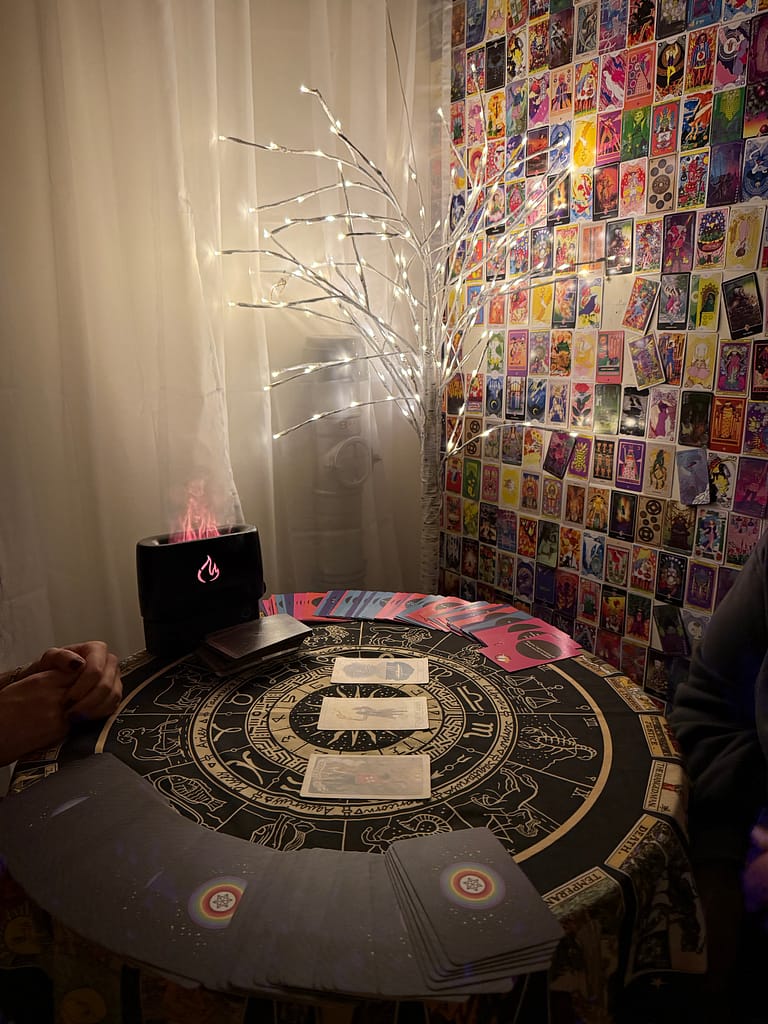
If the client is comfortable with video calls, the reading feels exactly the same as in person.
The cards work the same way. Your intuition works the same way. You’re still connecting, still having a conversation, still pulling what needs to come up.
Some readers worry that Zoom will “block the energy” or whatever. Bollocks. The energy is in the conversation and the cards, not in being physically in the same room.
What’s Actually Different
Grounding meditation: I do this the same way as in person, but I skip background music. Too finicky to get the audio right through Zoom without it sounding weird or delayed.
Recording: Zoom’s recording feature is brilliant. I offer to record sessions and send clients the file afterwards so they can rewatch. Some want it, some don’t. Their choice.
Distractions: Make sure you’re both in quiet, private spaces. Nothing kills the vibe faster than someone’s doorbell ringing or a dog barking in the background every 30 seconds.
The Tech Setup You Actually Need
Minimum Viable Setup
Here’s what you need to start doing tarot readings on Zoom:
- A device with a camera and a mic. Laptop, tablet, phone. Whatever you’ve got.
- Stable internet. If your connection drops every five minutes, sort that first.
- Quiet space where you won’t be interrupted.
- Decent lighting on your face.
That’s the list. Anything else is optional.
Payment and Booking
Use whatever booking system you already use. I use Amelia on my WordPress site, but Calendly works, Acuity works, whatever.
Take payment upfront. Stripe, PayPal, bank transfer, whatever suits you. Just make sure it’s confirmed before you send the Zoom link.
Send the Zoom link after payment is confirmed. Include any prep instructions – do they need to think about a question? Should they find a quiet space? Tell them.
Common Mistakes to Avoid
Trying to Make It Perfect
You will never have the perfect setup. Your lighting could always be slightly better. Your camera could be marginally higher. There’s always some new bit of tech you could buy.
Start with what you’ve got. Do a reading. Notice what’s annoying or unclear. Adjust that one thing. Do another reading.
Your clients care about the quality of the reading. Not broadcast-quality video.
Over-explaining the Tech
Don’t spend ten minutes apologising for your setup or explaining your technical choices.
“Can you see me? Can you hear me? Brilliant, let’s start.”
That’s it. Get into the reading. They’re not here for a webinar about your camera angle.
Just Fucking Start
Tarot readings on Zoom work.
The tech is simpler than you think. The camera shows your face, you hold cards up, the audio is clear, and you have the conversation.
Everything else is overthinking.
I kept putting off offering Zoom readings because I thought I needed the perfect setup. Then I just started with my laptop webcam and figured it out as I went. Turned out the clients didn’t care about my lighting setup. They cared about the reading.
So stop planning and just book your first session. You’ll learn more from one actual reading than from watching a hundred YouTube tutorials about camera angles.
The reading is still a conversation. That’s what matters.
Ready to book a Zoom reading? See what’s available or learn more about how I work with tarot on my readings page. Or join me at Simply Tarot Circle for more discussions like this.